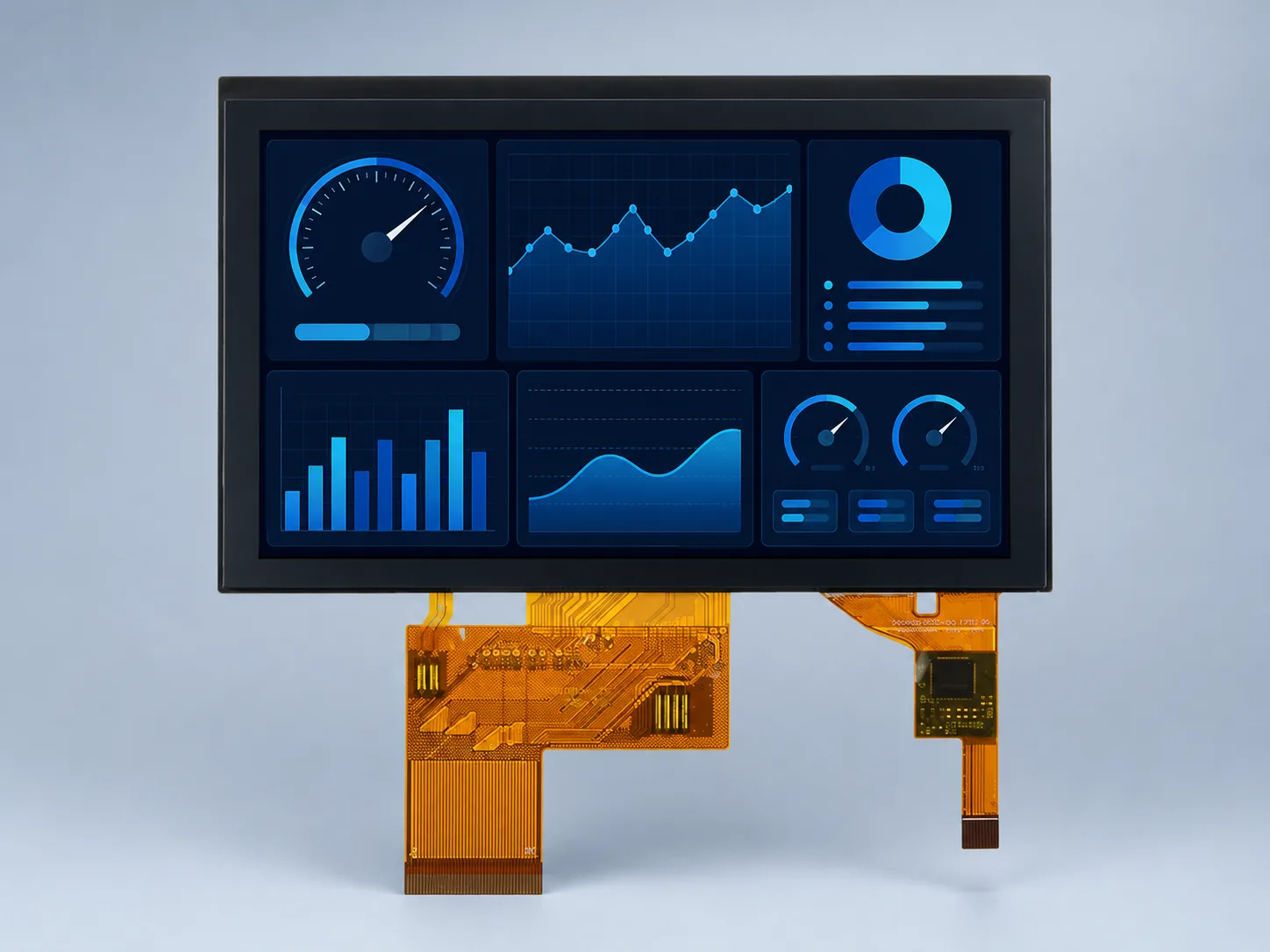
5.0 inchIPS
DS-T050BWSA-02CP
800×480 · 900 cd/m²
RGB 24-bit, 40-pin
CTP / PCAP · Optical bonding
Choose an LCD module for industrial HMI by the host signal, operator task and complete front-panel design. Compare native RGB, LVDS and portrait MIPI candidates below; these are display components, not complete PLC terminals, HDMI monitors or ready-to-run HMI systems.
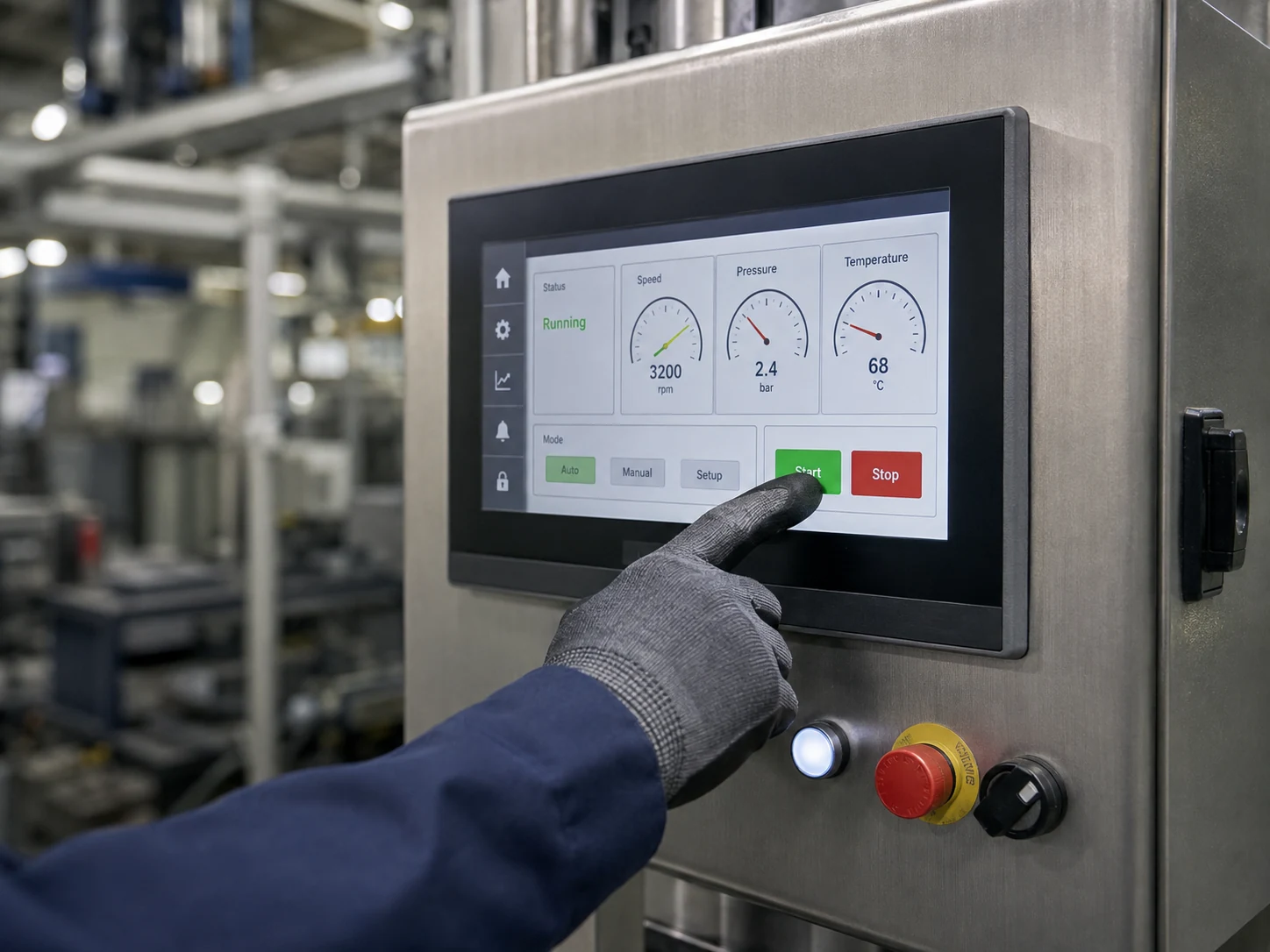
Begin with the host output, UI information density, operator distance, cable route and touch method. Glove, water, washdown, EMC and vibration behavior must be agreed and tested in the final HMI assembly; PCAP alone does not guarantee them.
For equipment exposed to cleaning spray, review the washdown HMI touchscreen design guide to separate module, front-panel and enclosure responsibilities before selecting touch hardware.
| Model | Size / resolution | Panel / luminance | Display interface | Touch / bonding | Operating range | Why review it |
|---|---|---|---|---|---|---|
| DS-T050BWSA-02CP | 5.0 inch 800×480 | IPS 900 cd/m² | RGB 24-bit, 40-pin | CTP / PCAP Optical bonding | −20 to 70 °C | Compact 800×480 bonded PCAP with native RGB interface |
| DS-T070SWHWA-01 | 7.0 inch 800×480 | IPS 1000 cd/m² | LVDS 6/8-bit, 20-pin | No TP | −30 to 85 °C | 7-inch LVDS candidate when −30 to 85 °C operation and no integrated touch match the design |
| DS-T101HIEWA-01CP | 10.1 inch 1280×800 | IPS 850 cd/m² | LVDS 6/8-bit, 40-pin | CTP / PCAP Optical bonding | −30 to 85 °C | Larger 1280×800 PCAP operator interface; verify touch-controller and cover geometry |
| DS-T101BFHA-01CP | 10.1 inch 1920×1200 | IPS 1000 cd/m² | LVDS 2-channel, 8-bit, 45-pin | CTP / PCAP Optical bonding | −20 to 70 °C | 1920×1200 PCAP candidate for denser UI; host bandwidth and temperature differ |
Luminance belongs to the exact listed configuration. It is not a finished-system sunlight-readability, sealing, EMC or safety certification. “No TP” means no integrated touch panel is documented.
RGB 24-bit, 40-pin
CTP / PCAP · Optical bonding
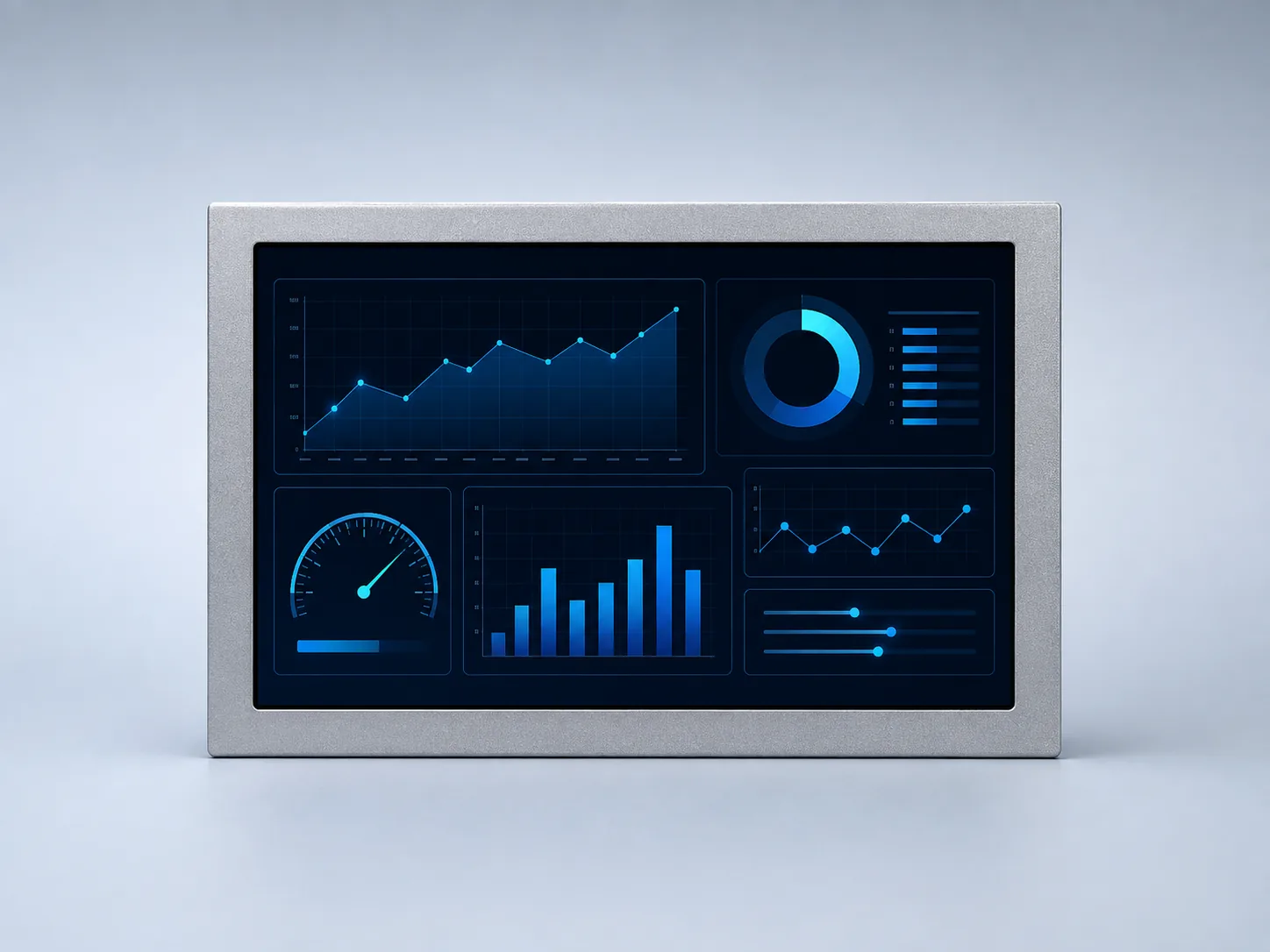
LVDS 6/8-bit, 20-pin
No TP
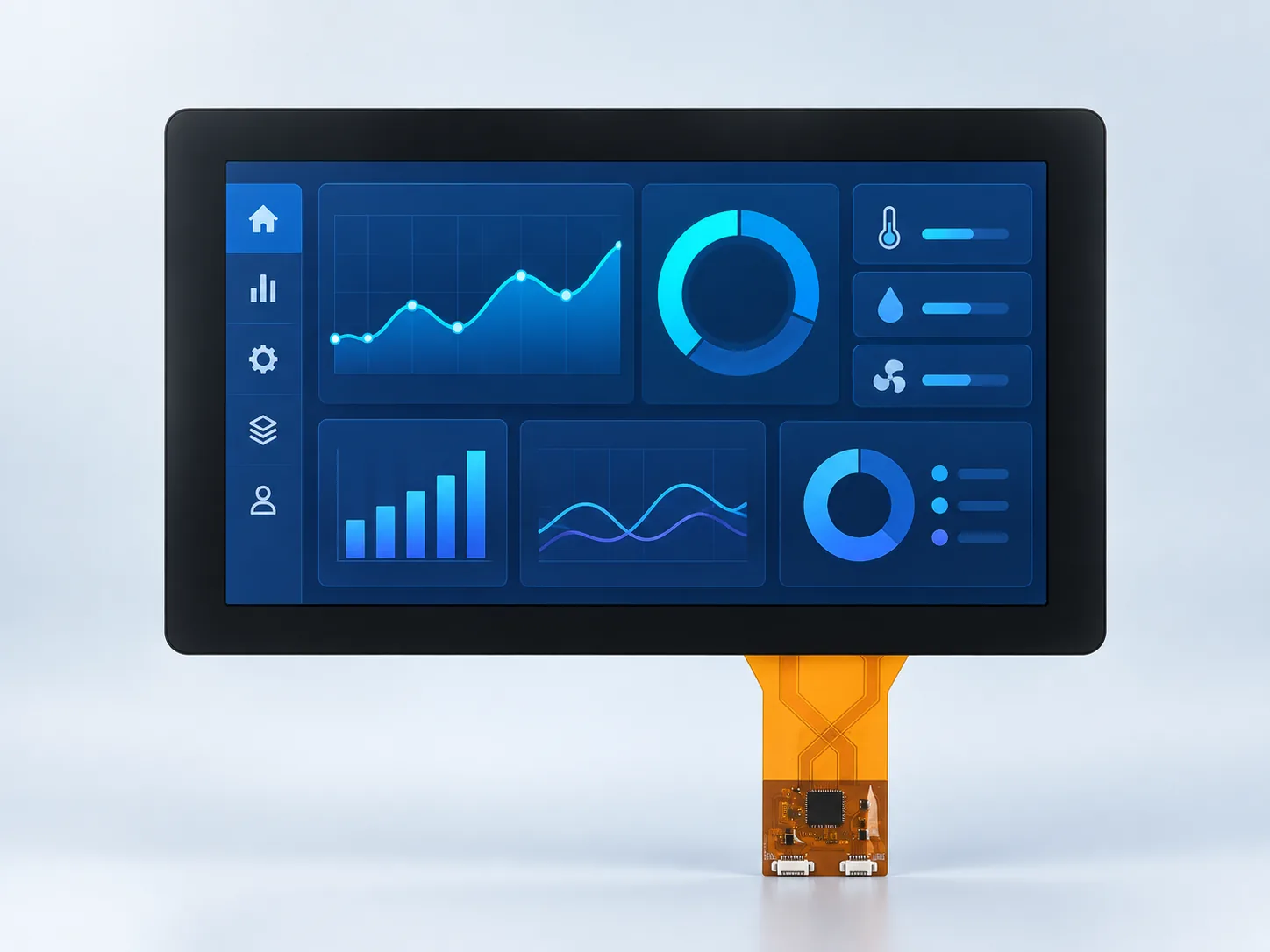
LVDS 6/8-bit, 40-pin
CTP / PCAP · Optical bonding
LVDS 2-channel, 8-bit, 45-pin
CTP / PCAP · Optical bonding
DS-T150QXHA-01 adds a 15.0-inch 1024×768 IPS option with 450 cd/m² luminance, native 8-bit 40-pin LVDS, no integrated touch and −20 to +70 °C operation. Compare it with the original panel rather than treating XGA or the connector count as a compatibility guarantee. The catalog and reference drawing have different nominal depths, which require revision confirmation.
Check the published specification and open revision item →For a vertically organized equipment interface, evaluate DS-T101BYEA-01ND, a 10.1-inch 800×1280 portrait IPS MIPI TFT LCD module, as a separate candidate from the landscape LVDS assemblies above. The published configuration uses 4-lane, 31-pin MIPI and has no integrated touch panel.
Identify the processor, board revision and OS. Request the exact panel timing, initialization and power/reset sequence, and confirm that the host and driver can support the required configuration. A MIPI label does not establish a validated host board, frame rate or lane rate.
Compare the current pin table, mating connector, contact orientation, power requirements and routing clearance. Do not reuse an LVDS cable or a generic 31-pin connection on the basis of pin count.
Review the portrait opening, mounting and rear connection clearance against the controlled drawing. Touch, cover glass, enclosure, PLC communication and HMI software are separate requirements; this bare module does not establish a finished terminal configuration.
Rotating a 1280×800 layout does not make a landscape LVDS module electrically or mechanically interchangeable with this native 800×1280 MIPI module. Use the 10.1-inch configuration comparison to keep these choices separate.
Request current model-specific documents before sample approval. This is a conditional selection path, not a documented customer installation or a promise of touch, HDMI/USB input, system protection or ready-to-run software.
An industrial HMI display is a component of the operator panel, not a complete controller or finished monitor. Review the display signal, separate touch connection, enclosure and operating task together. A matching diagonal or connector pin count alone does not establish compatibility.
On smaller screens, scroll the table horizontally to compare all three columns.
| Integration decision | What to compare | What to send or validate |
|---|---|---|
| Native RGB, LVDS or MIPI | The comparison-table references above use RGB or LVDS. The separate DS-T101BYEA-01ND portrait candidate uses 4-lane, 31-pin MIPI. Resolution, link configuration, connector and power requirements must match the exact module. | Send the host output, pin mapping and cable route. An HDMI output needs a reviewed conversion path rather than a direct module connection. Start with the interface guide. |
| Touch and cover lens | A display link does not define the touch-controller connection. Confirm the sensor, host connection, cover geometry and firmware for the exact assembly. | Describe glove, stylus, moisture and cleaning conditions. Use the touch sample decision plan and published PCAP configurations. |
| Replacement or new enclosure | Outline, active area, mounting, bezel overlap, stack height and FPC access must fit the panel drawing. | For a replacement, send the existing part and drawing. Use the LCD replacement checklist to keep electrical and mechanical compatibility separate. |
| Operating state and release | Review the real UI, viewing position, backlight settings, connected power supplies and complete front stack. | Agree acceptance conditions and record the sample configuration with the blank validation record. Do not infer washdown, EMC or equipment approval from a component specification. |
For a compact native-RGB touch interface, review DS-T050BWSA-02CP. For a no-touch LVDS operator panel, review DS-T070SWHWA-01 against the 7-inch host, cable and enclosure release gates. For bonded touch, use the 10.1-inch assembly comparison: moving from 1280×800 to 1920×1200 also changes the published LVDS configuration and connector. Quote the exact suffix and separately confirm the touch connection. These are review paths, not interchangeable replacements.
Send a representative screen with the smallest control, expected viewing distance and angle, operating orientation and input method. For equipment cleaned in place, include the cleaning exposure and front-panel construction and follow the washdown HMI design guide. Keep display-module, touch and enclosure responsibilities explicit.
The form preselects Industrial HMI and supplies editable host, touch and enclosure prompts. It does not upload files; send the drawing by email or WhatsApp with the same project reference. Checklist updated October 14, 2026.
For a TFT LCD used in industrial control, identify the host output before comparing suppliers. Keep native RGB, LVDS and portrait MIPI requirements with the exact model, and include the operator task, front-panel drawing, cable route and sample acceptance conditions in the project brief.
Choose by resolution, connector and exact operating range.
Explore this selection path →Review the actual touch and bonding configurations.
Explore this selection path →Connect display integration to operator needs and the controller.
Explore this selection path →Define whether you are buying an LCD component, a touch assembly or a complete HMI system. For a new host, compare the 7-inch LVDS configurations and 10.1-inch bare or bonded-PCAP assemblies against the required UI and front panel. For an existing 1024×768 operator interface, evaluate the 15-inch XGA LCD candidate without assuming it can reuse the old cable or enclosure. Keep display video, touch input, PLC communication and enclosure sealing as separate responsibilities; a module does not include controller software or establish a finished terminal’s protection rating.
Capture use conditions, mechanics, interface, touch and lifecycle inputs before requesting samples.
Open the project checklist →Compare RGB, LVDS, MIPI DSI and MCU links against the host and update requirements.
Compare interface options →Review gloves, water, stylus input, cover glass, EMC and controller integration.
Compare PCAP and resistive touch →Brightness, backlight, FPC, interface, touch, cover glass, optical bonding and driver-board options should be considered only where the project requires them.