The same display specification can behave very differently across HMI, medical, EV charging, outdoor and handheld equipment. Start from use conditions and project risk.
Compare the viewing environment, touch stack, mechanical envelope and host interface before narrowing the module shortlist.
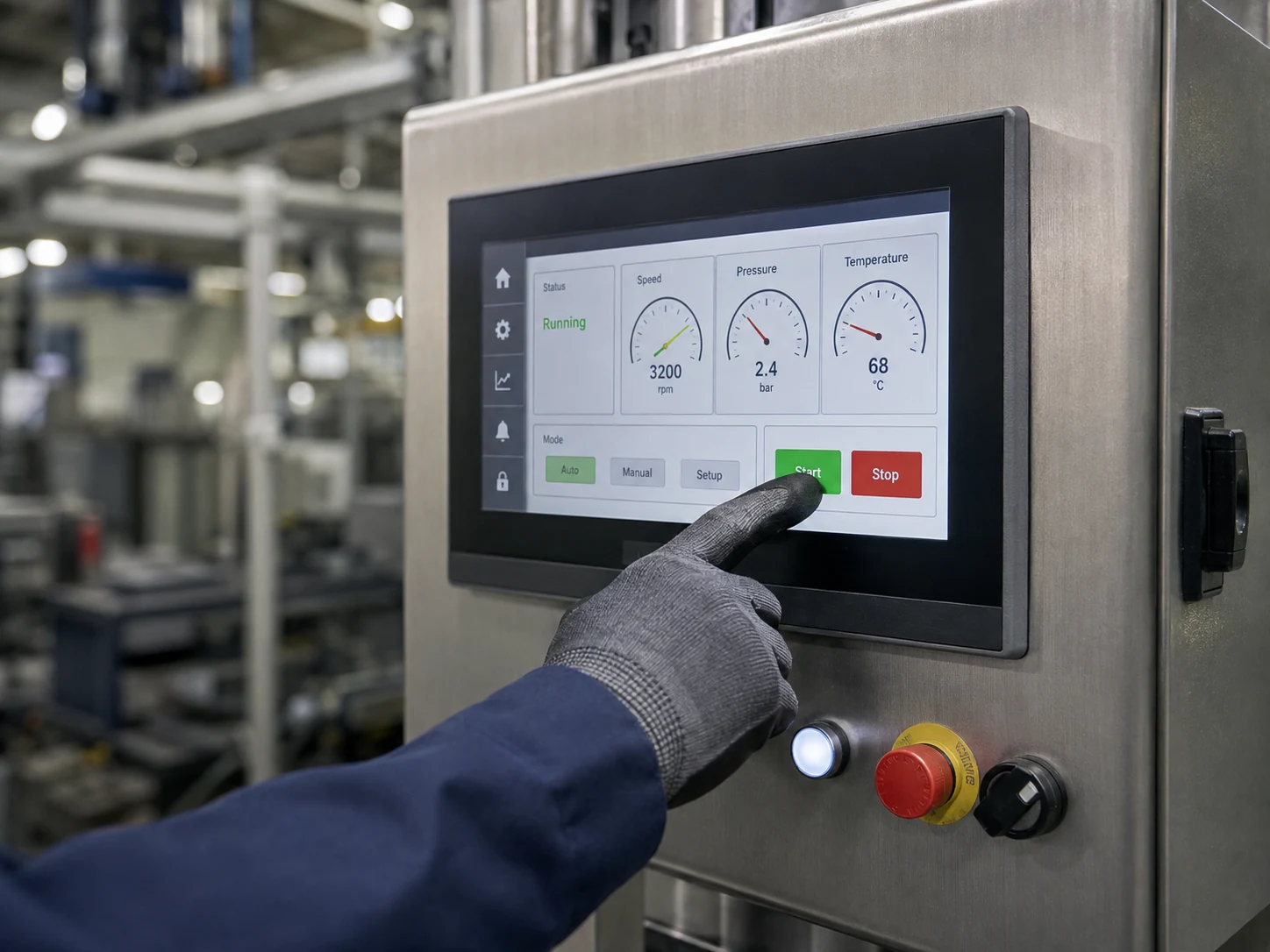
HMI projects usually need a balance of readable UI, viewing angle, touch behavior, interface fit, enclosure integration and supply planning.
Explore HMI displays →
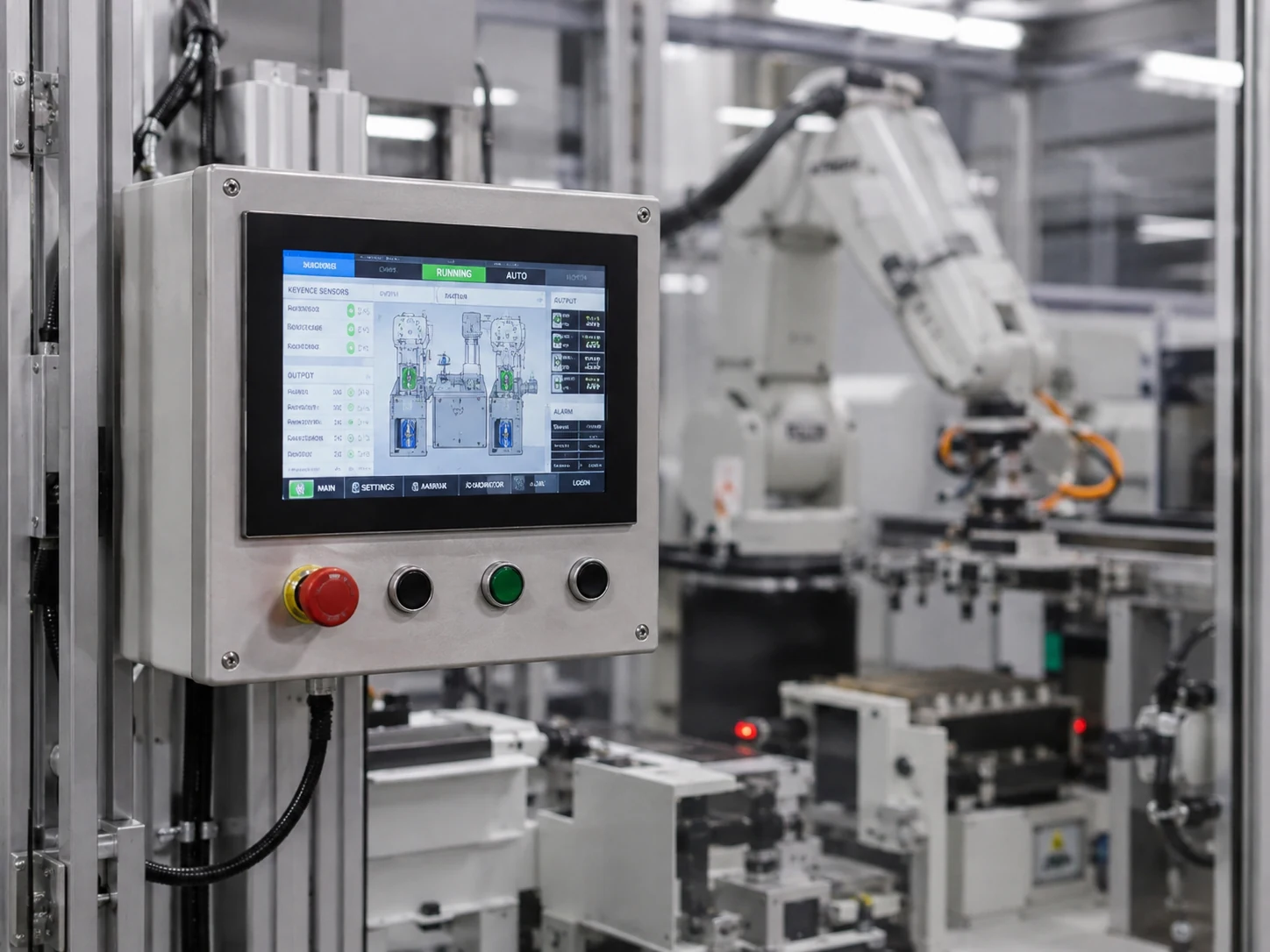
Automation equipment often prioritizes reliable operation, clear UI, control integration and environmental margin over consumer-style specifications.
Explore automation displays →
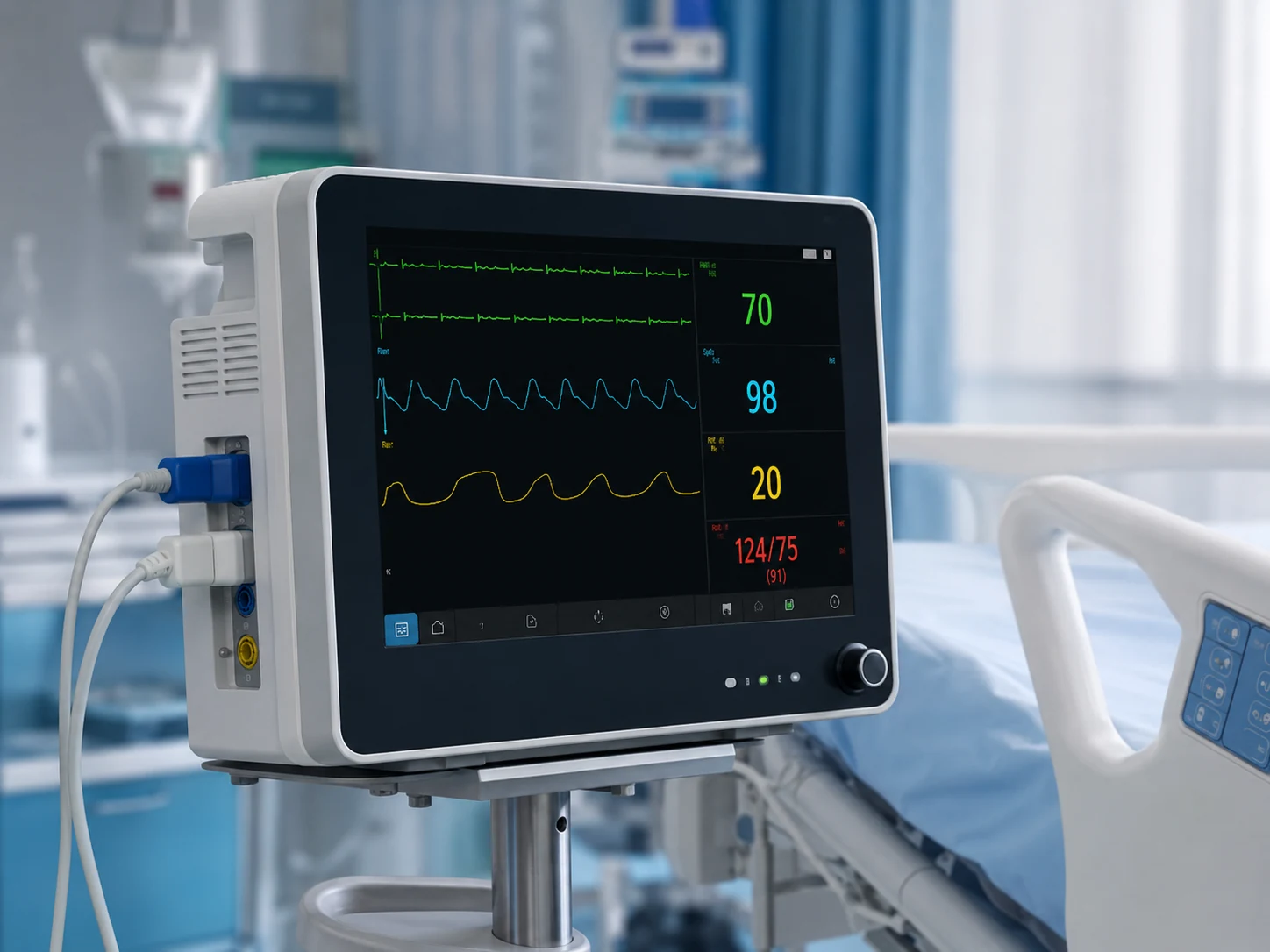
Medical-device display selection should start from UI readability, front-surface requirements, integration control and lifecycle expectations.
Explore medical formats →
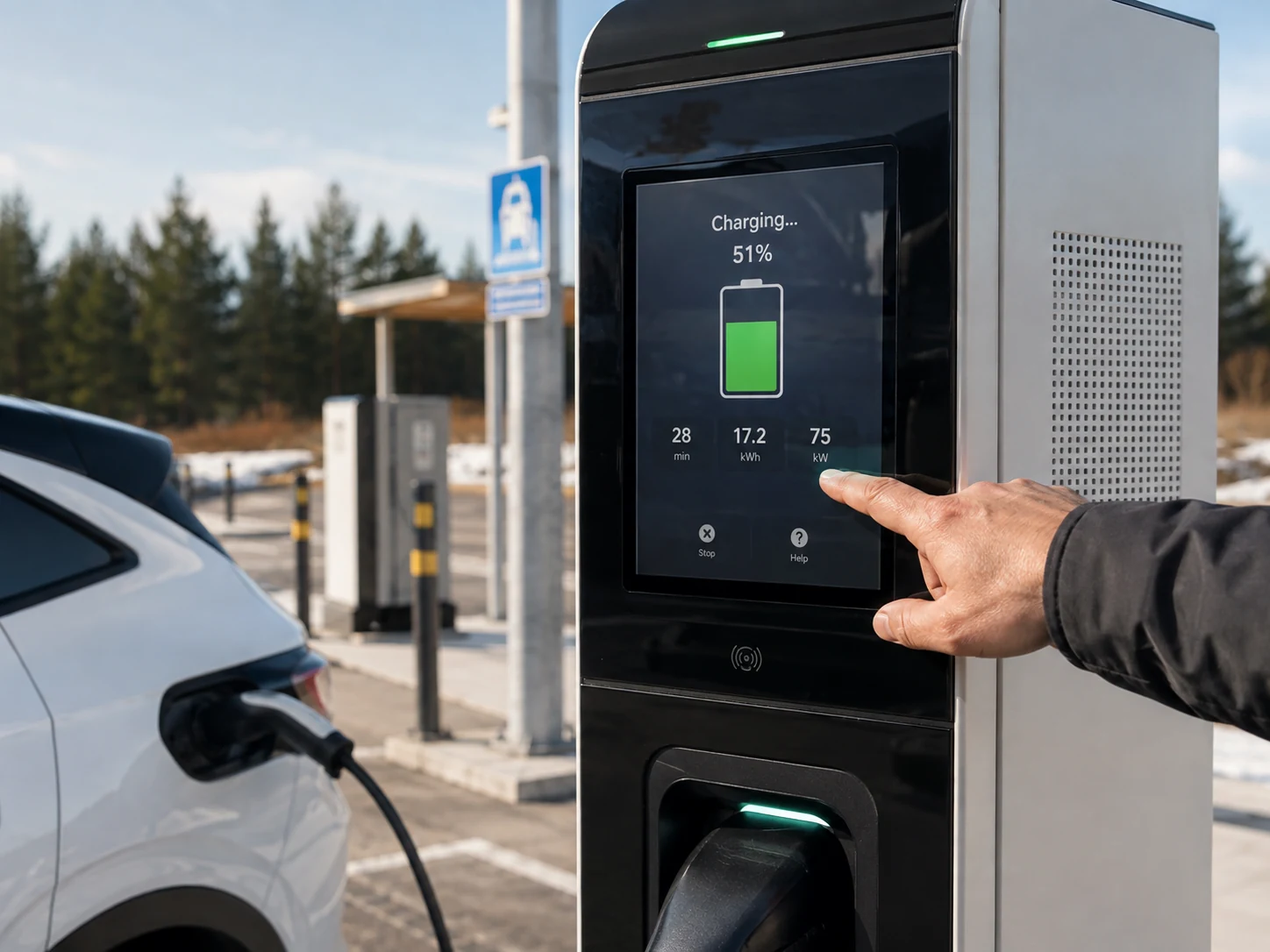
EV charging equipment may combine outdoor light, temperature swings, touch, cover glass and long unattended operating periods.
Explore charger displays →
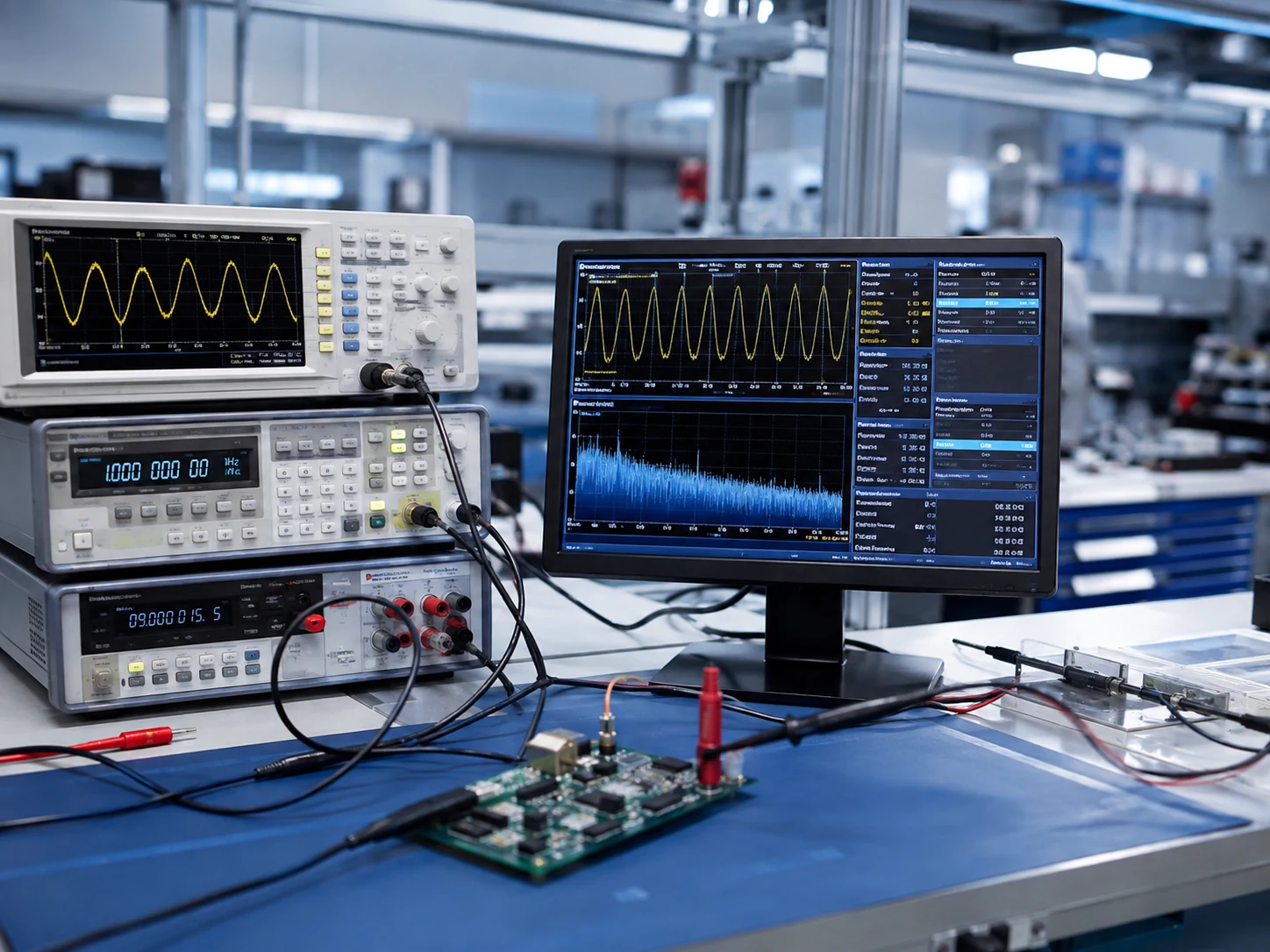
Test equipment benefits from crisp data presentation, predictable interface integration, appropriate size/resolution and lifecycle planning.
Explore instrument displays →
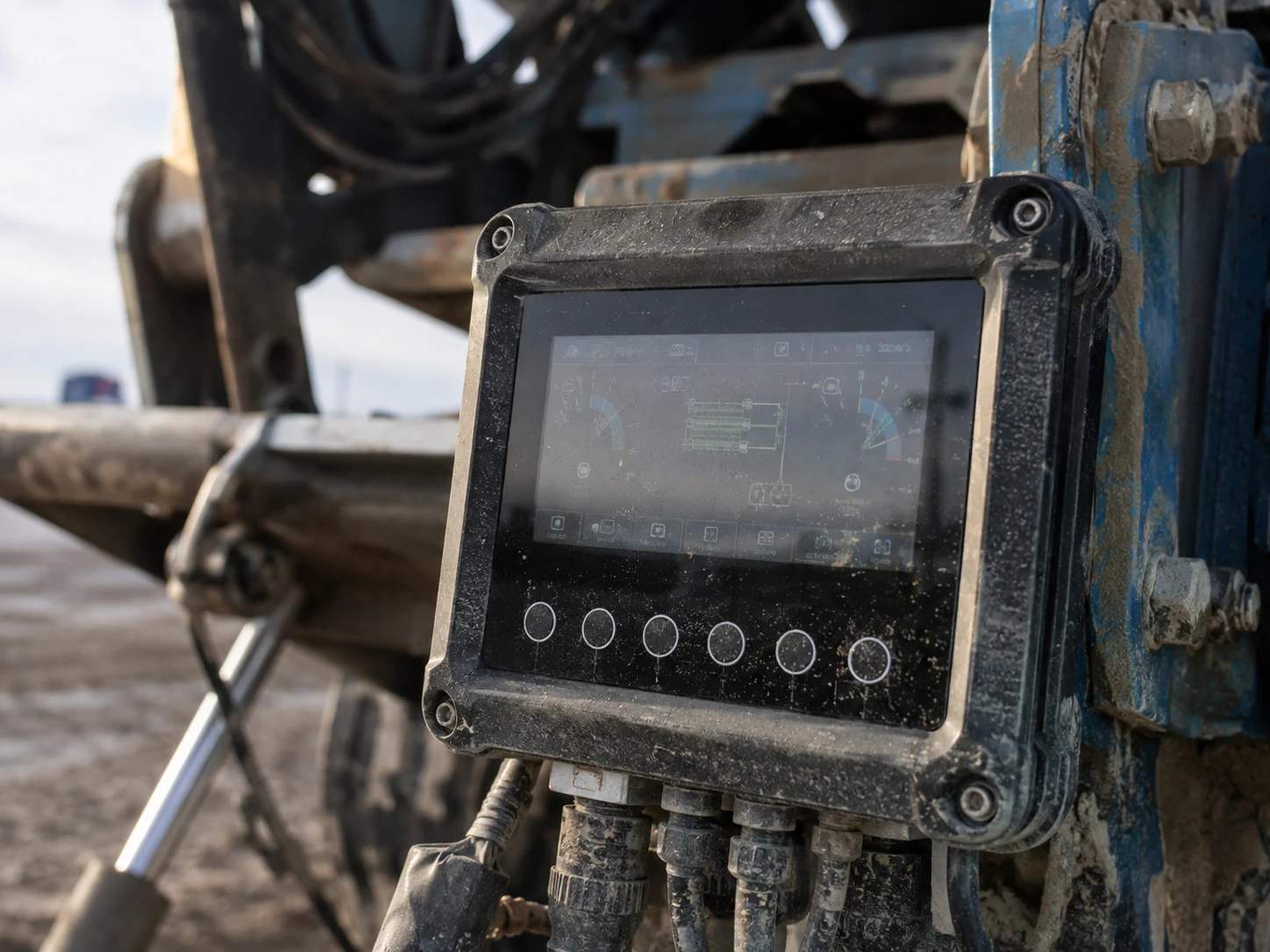
Outdoor equipment requires a system approach to readability and durability, not brightness alone.
Explore outdoor displays →
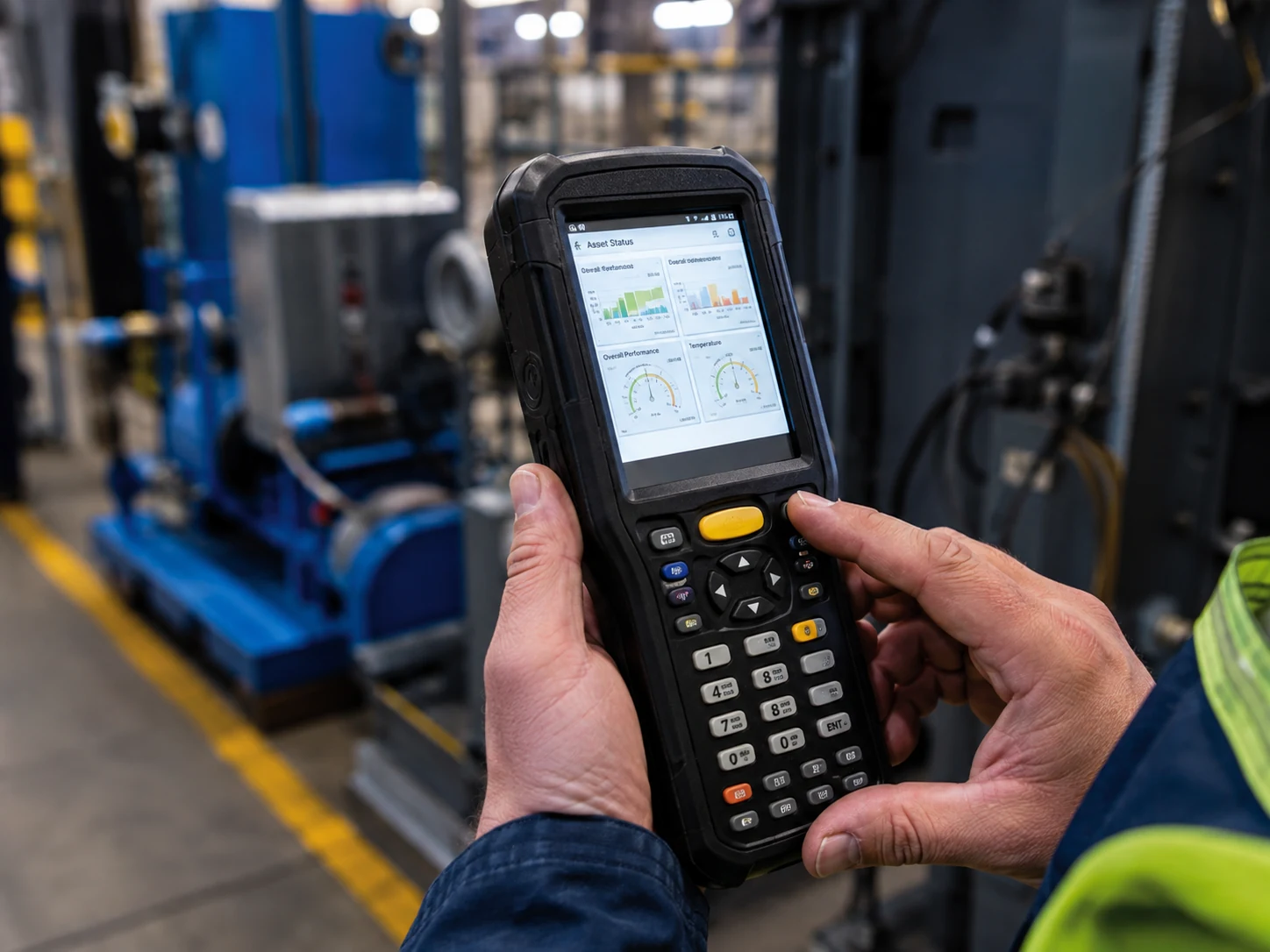
Handheld projects place extra weight on power, compact mechanical fit, interface simplicity and readable UI.
Explore compact displays →Start with the real viewing environment and operating duty, then lock the host interface and mechanical envelope. Brightness, touch, bonding and temperature choices should be validated as parts of the finished assembly rather than isolated datasheet values.
Record application, ambient light, temperature, duty cycle, viewing geometry, touch method and lifecycle expectations.
Use the requirements checklist → Step 2Confirm native display output, resolution, frame rate, signal distance, software support and any controller-board requirement.
Compare RGB, LVDS, MIPI and MCU → Step 3Filter current products, then verify the exact datasheet, drawing, connector, front stack and sample configuration before release.
Browse industrial TFT modules →The table is a starting point for requirements capture, not a substitute for model-level validation. Use it to identify which questions must be closed before a sample is selected.
| Equipment type | Early selection priorities | Validation focus |
|---|---|---|
| Industrial HMI | Viewing distance, UI density, touch method, host interface and enclosure opening | Operator workflow, touch behavior, cable route and assembled front-panel fit |
| Factory automation | Operating duty, cabinet temperature, electrical environment and service access | Thermal margin, connector retention, interface bring-up and lifecycle control |
| Medical equipment | Readable information, viewing geometry, touch input, cover-lens cleaning and configuration control | Finished-device optical and touch behavior plus project-specific compliance evidence |
| EV charger or outdoor equipment | Ambient light, reflection path, solar load, temperature, touch and sealing strategy | Outdoor contrast, front-stack performance and heat in the assembled enclosure |
| Test and measurement | Pixel density, waveform or data layout, update behavior and controller path | Native timing, mapping, image stability and representative UI content |
| Handheld instruments | Battery budget, active area, thickness, FPC route, interface and input method | Power modes, readable UI, mechanical stack and repeated handling |
Start with the UI and viewing geometry to define active area and resolution, then verify the mechanical envelope and the display output supported by the host. Brightness, touch and environmental options should follow the real application conditions. Browse TFT LCDs by size only after these boundaries are clear.
No. Outdoor readability depends on ambient contrast, surface reflections, the cover stack, optical bonding, viewing angle, UI design and the finished enclosure as well as luminance. Review the sunlight-readable selection framework and validate a complete prototype.
Not without a full comparison. Check the outline, active area, mounting, FPC and connector, pinout, voltage, interface timing, backlight drive, touch assembly and environmental limits. Use the exact current datasheets and drawings.
Send the equipment type, size or opening, resolution or UI requirement, host platform, interface, ambient light, temperature, touch method, cover-lens needs, target quantity and current drawing or reference display.
We can narrow the display shortlist using environment, interface, touch, enclosure and expected production requirements.