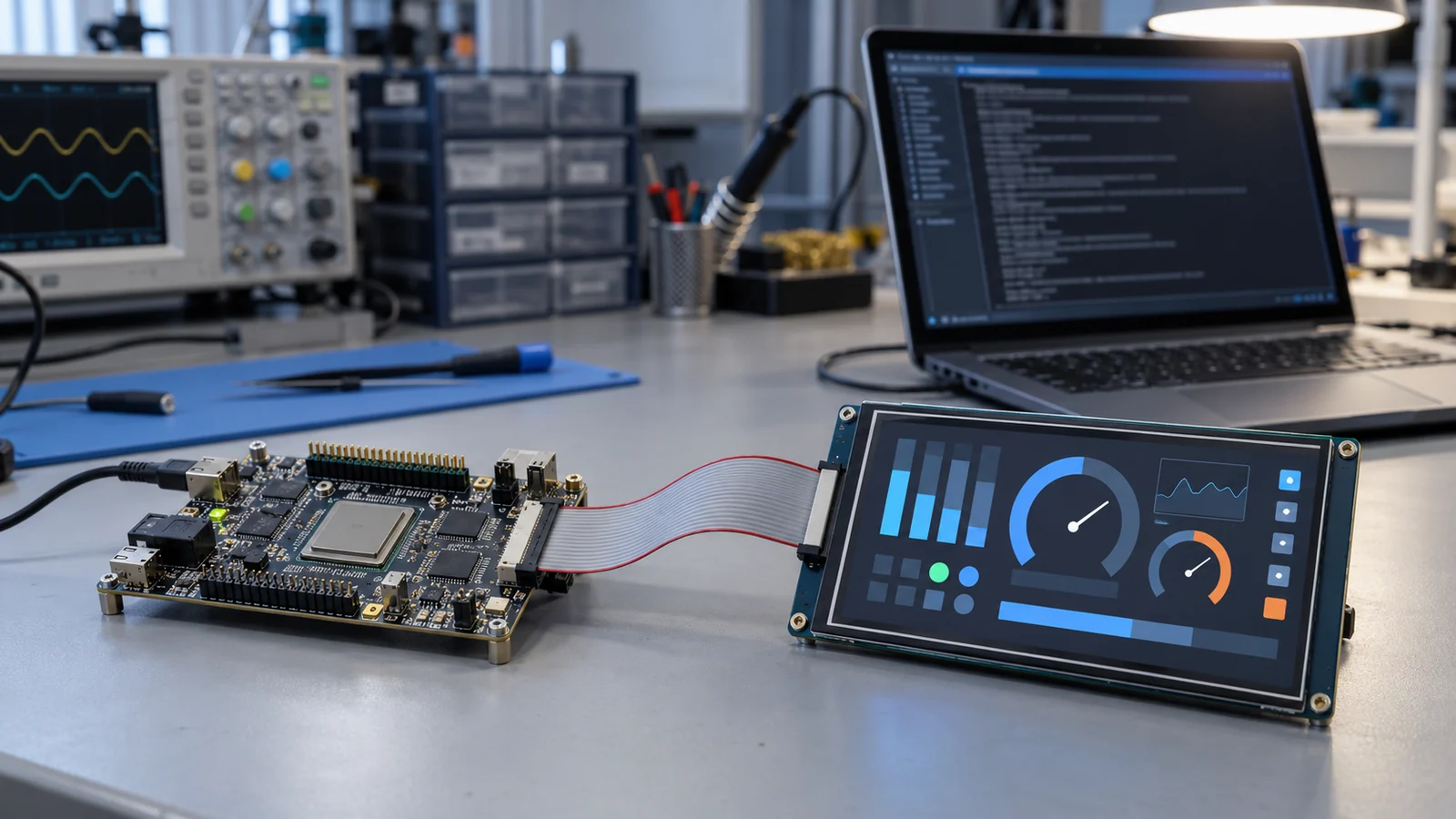
Hardware reviews are well understood: the connector, the pinout, the voltages and the mechanical drawing. Software reviews are often skipped until the first boards arrive, and then a display that "supports MIPI DSI" or "supports LVDS" turns out to need an initialization sequence nobody has, a driver for a kernel version nobody uses or a touch controller that needs a firmware file with unclear rights.
This guide is a checklist for that conversation. It is not a register tutorial and it does not repeat the memory arithmetic covered in the framebuffer memory guide. The hardware and firmware boundary of controller boards is covered in the controller board guide, and the lane and initialization data for MIPI in the MIPI DSI guide. It does not state that any package, operating system or processor is supported.
Three software layers and who owns each
"The display driver" is really up to three separate pieces of software. They are maintained by different parties, change at different times and fail in different ways.
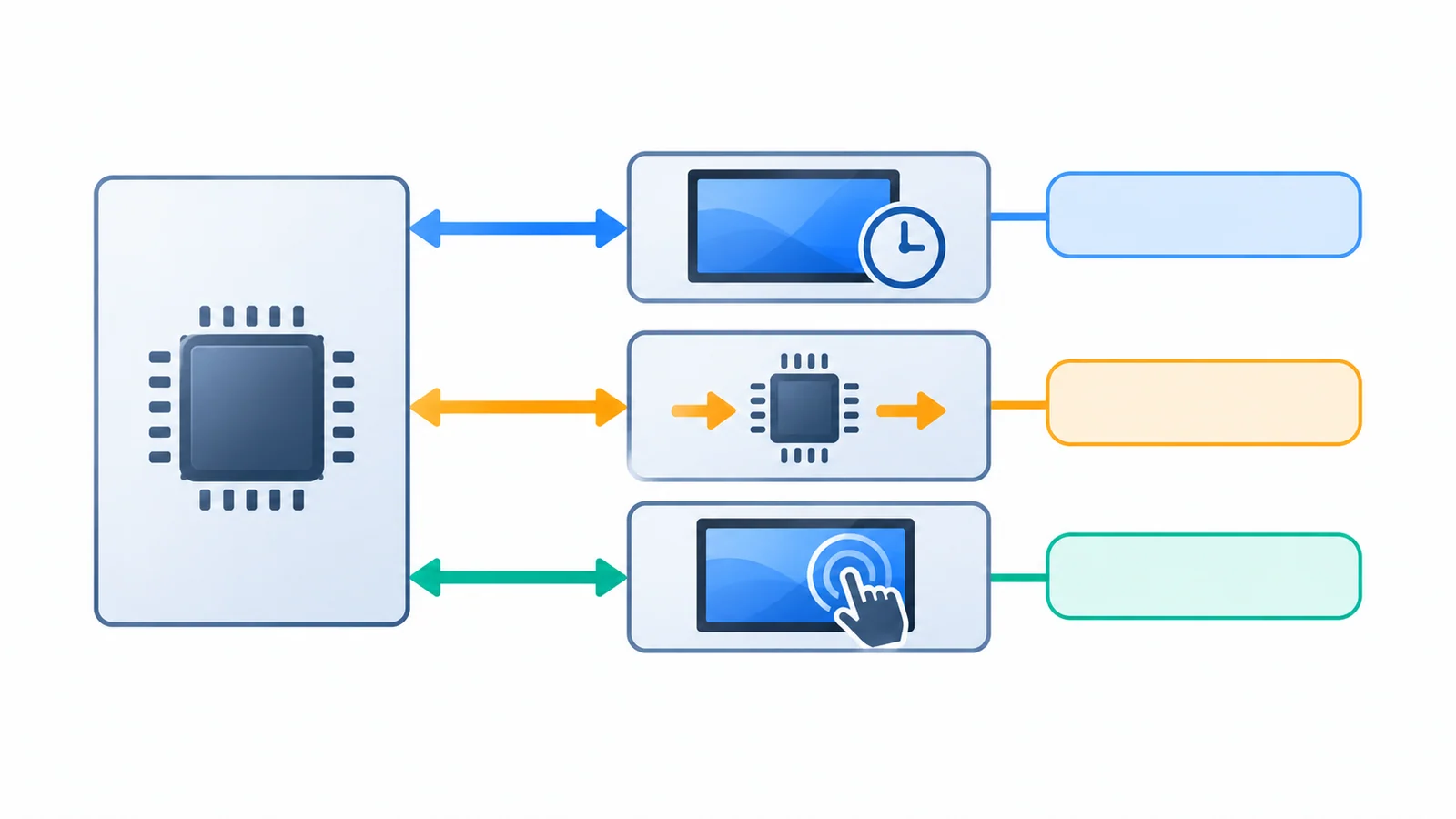
| Layer | What the software must provide | Examples of where it lives |
|---|---|---|
| Panel and display link | Timings, bus format and polarity; for LVDS, the data mapping; for MIPI DSI, lane count, pixel format, mode flags and a panel initialization command sequence; power-up and reset delays; backlight enable and brightness control | A device-tree entry, a panel driver, a timing table or an initialization data file |
| Bridge or controller board | Configuration of the converter chip or board, and its own firmware if it has one | The bridge driver, a register table or a firmware image on the board |
| Touch controller | The bus (often I²C or USB), address, interrupt and reset lines, coordinate orientation and any firmware or configuration blob | A touch driver, a device-tree entry and a configuration file |
Linux v6.12 provides concrete examples, not support commitments for the modules on this site. Its LVDS data-mapping schema enumerates jeida-18, jeida-24 and vesa-24; the applicable panel binding determines which properties are required. The simple-panel driver uses timing, bus-format, physical-size and prepare/enable/disable/unprepare-delay fields. The ST7703 DSI driver contains panel-specific initialization, lane, pixel-format and mode settings with power/reset handling. Use these examples to identify information to obtain from the exact panel and host documents, not to copy an unrelated sequence or presume driver compatibility.
Distinguish the display link from the touch link. They are different interfaces with different drivers, and a working picture says nothing about touch. Read the interface guide for the link types.
Freeze the OS, BSP, driver and initialization versions
A driver is only "supported" for a specific software baseline. Write the baseline down at the start and freeze it, so that a later change to the kernel, SDK or initialization data is a decision and not an accident. The table below is a checklist template. Its status column is left empty on purpose.
| Item | What to record | Status | Notes and source |
|---|---|---|---|
| Operating system or RTOS | Name and exact version | ||
| Board support package or SDK | Name, version and who supplies it | ||
| Kernel or graphics stack version | Version and the tree it comes from (mainline, vendor tree or your own) | ||
| Panel driver or timing entry | Source, version, maintainer and whether it was tested on this exact panel | ||
| Initialization sequence | Source file, revision and who issued it; whether it matches the module revision you approved | ||
| LVDS data mapping or DSI parameters | JEIDA or VESA and bit depth; lanes, pixel format and mode flags | ||
| Bridge or controller-board configuration | Driver or register table, firmware version | ||
| Touch driver and configuration | Driver source, firmware or configuration file and its version | ||
| Backlight control | Enable and brightness method, PWM or analog path, default level at boot | ||
| Device-tree or configuration file | Revision of the file that ties the above together | ||
| Orientation and coordinates | Display rotation and touch axis mapping | ||
| Build instructions | Toolchain, commands and a clean rebuild result |
Tie the initialization sequence to the module revision. If the module changes, the sequence may need to change with it; the PCN and revision control guide shows how to keep the approved record and recheck after a change.
Check the build, the license and the maintainer
Having the files is not the same as being able to use them. Four questions separate a handoff from a pile of source:
- Can you rebuild it? A driver that was built once, by someone else, against a baseline you do not have, is not a deliverable. Rebuild it from source on your own system with documented steps. Driver code often needs adaptation when the kernel or SDK version changes, so a baseline mismatch is a real risk.
- What is the license? Record the actual file license/SPDX identifiers and any separate firmware terms. The kernel's official licensing documentation explains file and module-license markings, but a marking alone is not a legal assessment of your product's distribution. Have qualified counsel review applicable obligations; this checklist does not provide legal advice.
- Who maintains it, and for how long? Name the maintainer, the process for reporting a bug and the expected support period. A driver that a community has written is useful, but it is not a supplier commitment.
- What are the rights to firmware and configuration files? A touch controller or a bridge may need a binary file. Confirm that you may use and redistribute it in your product.
Put bring-up, reboot and recovery evidence in the handoff
A picture on someone else's bench proves little about yours. Collect evidence on your own hardware, with the frozen software baseline, and attach it to the checklist.
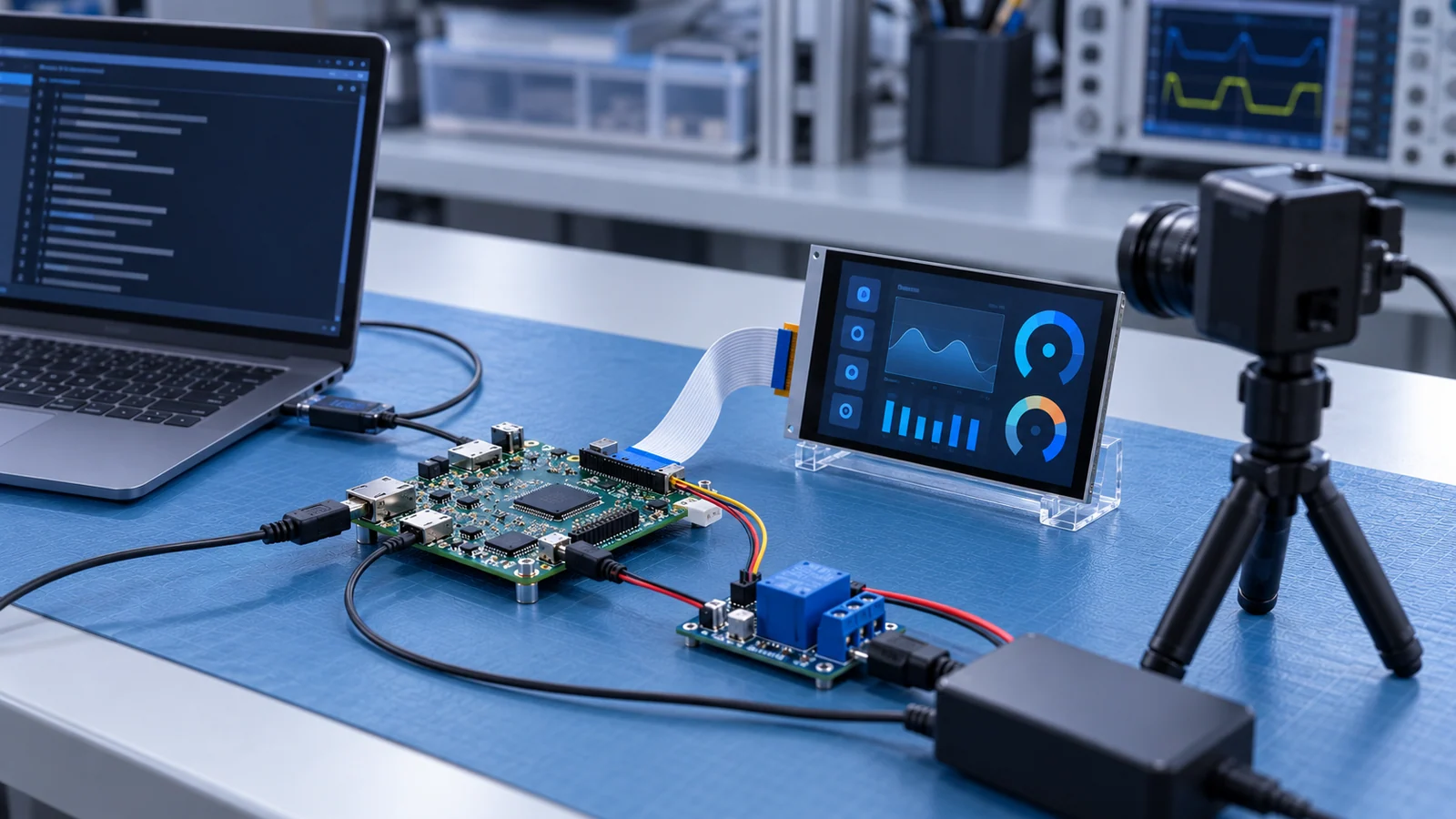
| Evidence | How to collect it | What it shows |
|---|---|---|
| First image | Bring up the display on the target board and capture the power-up sequence and console log | Initial bring-up evidence for the documented host and conditions, not proof that every timing or operating condition is qualified |
| Orientation and touch | Display a known pattern with corner markers and touch each corner | Observed rotation and coordinate behavior for the agreed check points |
| Cold boot repeats | Power-cycle from off many times and record each result; set the count in your test plan | Observed startup outcomes for the agreed cycle count and conditions; this does not establish a general failure rate |
| Warm reboot | Reboot without removing power | Observed warm-reboot behavior in the tested configuration |
| Recovery | Remove power during operation, and wake from sleep if the product sleeps | Observed recovery behavior against agreed criteria, including any required manual action or unresolved failure |
| Backlight and brightness | Check boot level, minimum and maximum, and changes while running | That the backlight path works as the design assumes; see the dimming guide |
| Versions used | Record the exact software and initialization revisions in the log | That the evidence can be repeated |
If a step fails, the troubleshooting order in the interface troubleshooting guide helps decide whether the cause is the link, the timing or the power sequence before you start rewriting software.
Questions to ask the supplier
- For my processor, operating system and exact version, is there a driver, a configuration entry or an initialization file, and is it tested on this module?
- Who issued the initialization sequence, and does it match the module revision I would approve?
- Is the software available as source, and under what license?
- Who maintains it, how are bugs reported and what support period applies?
- If the module uses a bridge or controller board, what firmware does it need and who owns it?
- Which touch controller is used, and what driver, firmware or configuration does it need?
- What happens to the software if the module revision changes?
- Which items are my responsibility, and which can the supplier confirm in writing?
Send the answers together with your host part number, operating system and version, board support package, the source of any existing driver, the display and touch models and the project stage through a host integration review, so the software questions are checked against your actual baseline.
Software integration FAQ
What software does a TFT LCD module need on the host?
The module is not software you install, but the host has to be configured for it. That usually means display timing and bus format, for LVDS the data mapping, for MIPI DSI the lane count, pixel format and an initialization command sequence, plus power sequencing, backlight control and a separate driver or configuration for the touch controller. If a bridge or controller board is used, it has its own configuration too.
Do I have to write a display driver myself?
It depends on the interface, the operating system and the version. Panels described by timing and bus format may need only a configuration entry in some display frameworks, while some DSI panels require panel-specific initialization in a driver. Ask whether a driver or configuration for your exact OS and BSP version exists, who maintains it and under what license.
Is a community or mainline driver the same as supplier support?
No. A community or mainline driver can be a useful reference, but fixes, version compatibility and support are not a supplier commitment unless the supplier states them in writing for your configuration. Record it as an unconfirmed item until it is confirmed.
What evidence should I collect before hardware freeze?
Collect the first image on your target hardware with the power sequence captured, correct orientation and touch coordinates, repeated cold boots and warm reboots, recovery after an unexpected power loss or sleep, and the exact software versions used. Evidence from a different host or software version does not prove your own.
Technical references
- Linux v6.12 — LVDS data-mapping schema: the
data-mappingenum; required properties depend on the applicable panel binding. - Linux kernel — panel-simple.c: how a generic panel driver describes timings, bus format, size and delays.
- Linux kernel — panel-sitronix-st7703.c: an example of a DSI panel driver with vendor initialization sequences, lanes, mode flags and reset sequencing.
- Linux kernel — licensing rules: the kernel license, dual-licensed files and module license tags.
Connect the software baseline to the module and test plan
Use the 7-inch LVDS connection review to request the exact mapping and cable documents. For a native portrait MIPI candidate, review DS-T101BYEA-01ND and request the applicable initialization and host requirements; the link is not a claim that a Linux driver or BSP is supplied.
Freeze a known image source before applying the pixel-defect inspection criterion or the static-HMI retention test. Keep the evidence tied to the approved module, host and software revisions rather than reuse another project's results.
Send Us Your Host and Software Baseline
Share the host part number, the operating system or RTOS and version, the board support package, where any existing driver comes from, the display and touch models and the project stage. TFTWorks can review the published information against that configuration and tell you what needs confirming.
Request a Project Review Read the controller board guide
Send supporting files with the same project reference
The web form does not upload attachments. Email drawings, configuration records or test requirements
You can also send files through WhatsApp. Include the same model and project reference as your enquiry.
Publisher and scope. Published by TFTWorks, operated by Guangdong Dexing Microelectronics Co., Ltd. This guide describes a general method and does not state that any TFTWorks module is supported by any operating system, processor or driver, or that any software package is provided. The Linux material is an example of how such information is expressed, and the template is not a record of any real handoff. Confirm software availability, versions and terms against the current model-specific documents and in writing.