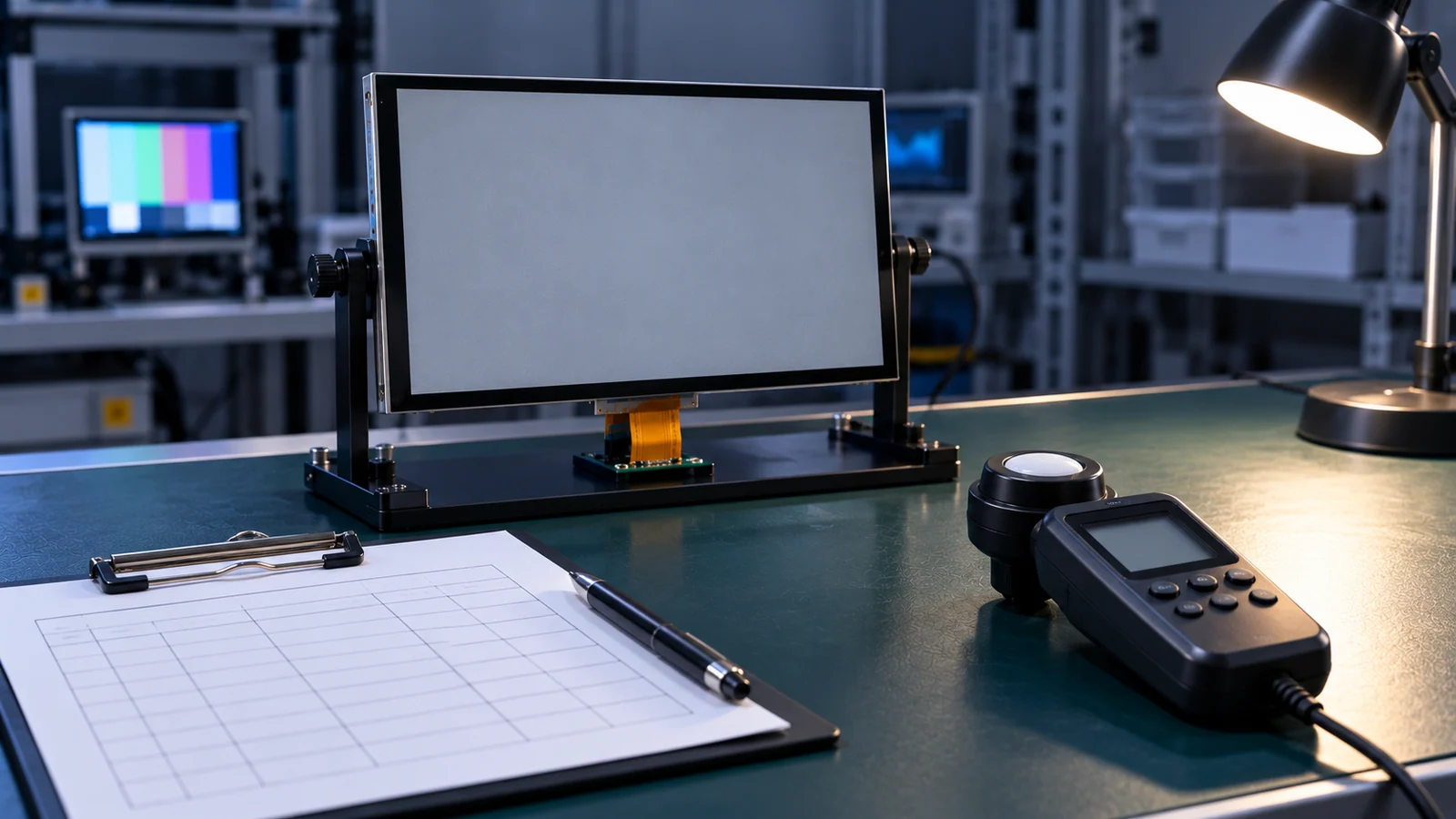
Many industrial products show the same screen for hours: a fixed header, a row of status icons, gauge frames that never move. On a liquid crystal display, a faint trace of such an element can remain visible for a while after the image changes. Whether that matters depends on the panel, the content, the conditions and what the user is expected to see afterward.
This guide is a method for defining the test. It is deliberately narrow. The technology comparison, including burn-in risk for different display types, is in the TFT LCD versus OLED guide. This article does not explain how to repair a monitor, and it does not claim any TFTWorks module has been tested for retention.
Separate the symptom from an unproven conclusion
A ghost of an interface element is a symptom. Calling it "LCD burn-in" is a conclusion, and it may be wrong. Several other things can produce the same appearance, and each one needs a different fix. Rule them out first, so that the test measures what you think it measures.
| Observation | Alternative explanation | How to check |
|---|---|---|
| The ghost matches the shape of the interface | The software is still drawing a layer, overlay or cursor | Send a plain image from a known-good source or a hardware test pattern and see whether the ghost remains |
| The ghost appears only at one brightness or viewing angle | Uneven backlight, edge effects or angle-dependent appearance | View the same uniform image at several angles and brightness levels without any prior static content |
| A band or patch exists even with no prior static image | A uniformity issue in the module itself | Compare against a documented baseline and a control sample not exposed to this dwell pattern |
| The ghost appears on the photo but not by eye | Camera exposure, refresh or compression artifacts | Check by eye in the same conditions and keep the camera settings in the record |
| The pattern follows the cover glass or touch layer | Reflections or optical effects of the front stack | Where approved comparison samples are available, compare the bare module and assembly under the same light; do not dismantle a bonded assembly for this check |
The rule is to keep the language honest in your records. Write "retained image observed under these conditions" rather than "panel failure", and keep the diagnosis open until the alternatives are excluded. This also protects a supplier conversation: a precise observation is easier to compare than an unverified diagnosis.
Define the dwell and observation conditions
A retention test has two halves: the period during which a static image is shown, and the period afterward when you look for a trace. Both need defined conditions, because the result can change with each of them.
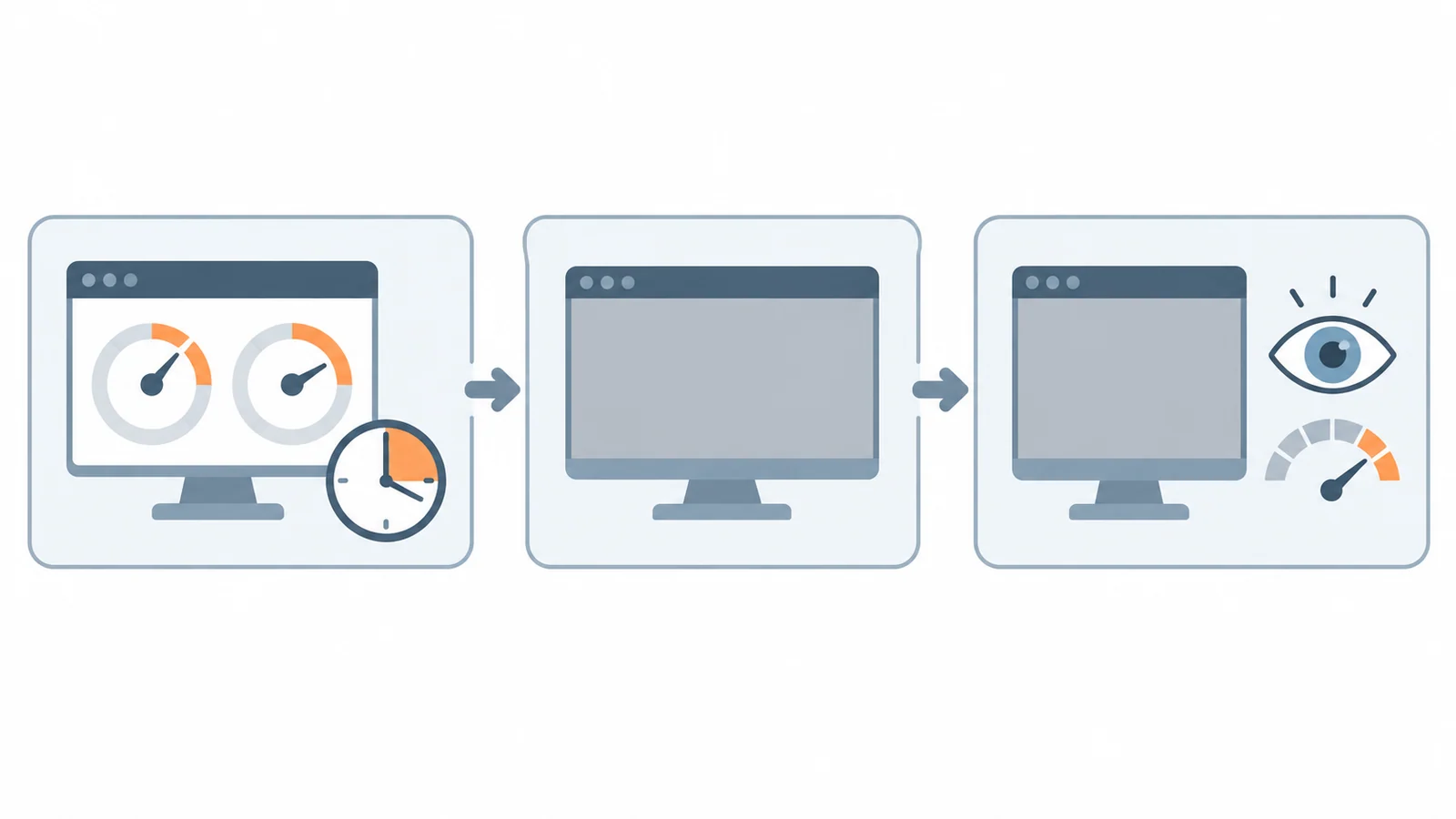
The Society for Information Display and its ICDM publish the Information Display Measurements Standard (IDMS). Their public version 1.3 contents identify residual-image and short- and long-term color-retention measurement topics. The ICDM explains that measurement methods do not themselves establish compliance values. This article is a project-planning checklist, not a reproduction of an IDMS procedure: obtain the applicable method, agree any deviations and separately approve your product acceptance criteria.
| Variable | Why it matters | What to write |
|---|---|---|
| The static image | The elements, their gray or color levels and their sharp edges all affect what appears afterward | The exact interface image or screenshot, with a file reference |
| Backlight level | It sets observation luminance and can change the thermal operating state; it is not itself the LCD pixel-drive setting | Brightness setting during dwell and during observation |
| Temperature | Display behavior depends on temperature | Ambient and, if you can, module temperature |
| Dwell time | The trace can depend on how long the image was held | The period, taken from how long the real interface stays static |
| State during dwell | On, dimmed or in a screen-saver mode are different tests | The operating state, and whether any mitigation feature was active |
| Test image afterward | A uniform image at one gray level can show a trace that another hides | Which uniform images, at which levels, in which order |
| Observation timing | Short-term effects can fade quickly | When you first look and at which later times |
| Observation method | Eyes, a camera and a luminance meter give different results | The method, its settings, viewing distance and ambient light |
| Warm-up | A cold module can behave differently | Warm-up time before the test |
Run the test on the configuration you will ship. A bare module and a finished assembly with cover glass look different, so state which one is observed, as in the sample validation checklist, which also explains how to freeze the sample configuration. For the use conditions that drive the dwell time, see the industrial HMI application page.
Keep the sample, environment and recovery record
An observation that cannot be repeated is only an anecdote. Keep a record that lets another engineer run the same test and compare. The template below is blank on purpose.
| Field | Entry |
|---|---|
| Sample identity: model, suffix, lot or date code, serial number | |
| Configuration: bare module or assembly, cover glass, touch | |
| Software and drive settings, including any mitigation feature | |
| Static image (file reference) and its key elements | |
| Backlight setting during dwell and during observation | |
| Temperature and ambient light | |
| Dwell start and end time | |
| Test images used afterward and their levels | |
| Observation method, distance and settings | |
| Observation times and what was seen at each | |
| Photographs or measurements (file references) | |
| Recovery observation: what was done, if anything, and what followed | |
| Control sample not exposed to this dwell pattern, observed the same way | |
| Reviewer, date and criterion reference |
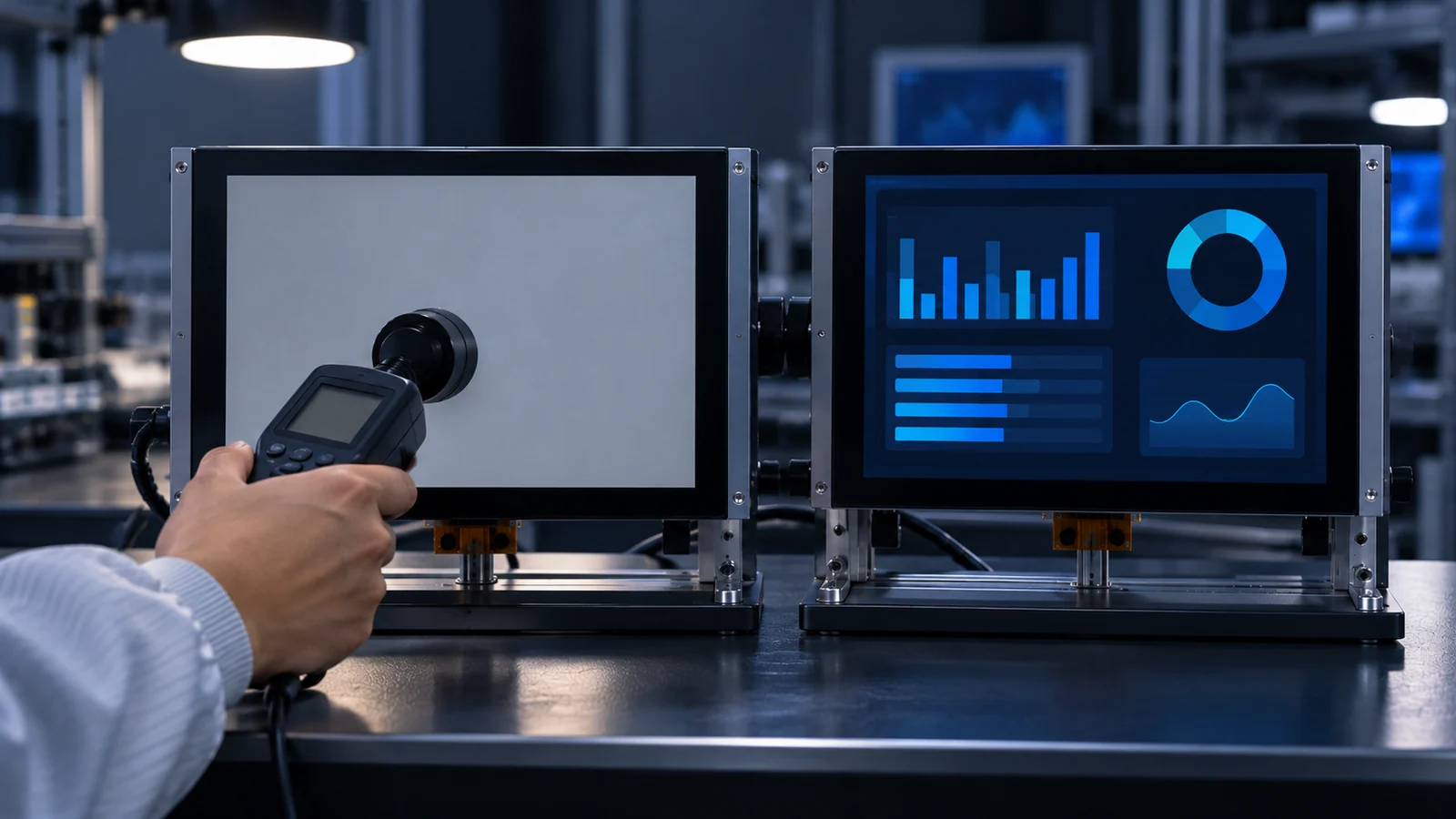
Two entries deserve emphasis. The first is the control sample: a documented unit not exposed to this dwell pattern helps distinguish pre-existing appearance from a change during the test. Keep a pre-dwell baseline for the tested sample too; normal unit-to-unit differences remain relevant. The second is the recovery observation. If you try to clear a trace, for example by changing the content or letting the module rest, record that as its own step with its conditions, so that the original observation stays clean.
Judge against an approved criterion
The test gives you evidence. Whether the evidence is acceptable is a separate question, and the answer comes from a criterion that you and the supplier agree on in writing. That criterion can say, for example, whether a trace is allowed at all, at which test image and observation condition it is judged, and in what time frame it should no longer be visible. The values are for the approved document, not for this article.
Be careful with promises, in both directions. A supplier should not be asked to promise that a retained image can be repaired, and a buyer should not assume it can. The appearance and persistence of a trace depend on the configuration and conditions. Unless the supplier documents an applicable procedure, do not improvise a repair or assume that a trace is reversible. Record recovery observations separately from the initial result.
The interface itself is also a design tool. Moving or dimming static elements, using a lower brightness during idle periods or letting the screen sleep are changes to the product, and each is a different configuration. Test them as such and record them in the same table, because a mitigation that is active changes what you have measured.
Questions to ask the supplier
- Does the supplier have a defined image retention test method for this model, and can it be shared?
- Under what image, dwell, temperature and observation conditions is it run, and with what acceptance criterion?
- Is there existing test data for this model, and was it measured on the bare module or on an assembly?
- Is there a documented recovery procedure, and under what conditions does it apply?
- How does the product behave with a long-held static image at my brightness and temperature?
- Are there drive or timing settings that affect retention, and are they fixed for my configuration?
- Can my test method and criterion be written into the sample approval record?
Send your real static interface, brightness, daily on-time, operating environment and sample identification through a project review, so the method is agreed against your product and not against a generic example.
Image retention FAQ
Do LCDs suffer from burn-in?
LCDs can show image retention, often called image sticking, where a faint trace of a static image stays visible for a while. It is generally described differently from OLED burn-in, and how much appears depends on the panel, the content and the operating conditions. For a static interface, test your own image on your own sample.
How long should a static image be displayed to test retention?
There is no universal duration. This article supplies no standard dwell time; the duration must be tied to your application and the agreed test method. Base it on how long your real interface stays static, and agree the dwell time and the observation method with the supplier in writing.
Can a retained image be removed?
Sometimes a retained image fades, and some sources describe recovery methods, but the behavior depends on the panel and the conditions. Do not rely on recovery unless the supplier documents a procedure and its conditions, and record any recovery attempt as a separate step in the test.
Is every ghost image on an LCD image retention?
No. A ghost image can also come from the software, such as a layer or overlay that is still being drawn, from uneven backlight, from the cover glass or touch layer, or from the camera used to photograph the screen. Rule these out before concluding that the panel retained the image.
Technical references
- SID / ICDM — Information Display Measurements Standard: the publisher's public scope and the distinction between measurement methods and compliance values.
- SID / ICDM — IDMS 1.3 table of contents: identifies residual-image measurement topics. Consult the actual applicable procedure before specifying a test; the contents are not the procedure.
Keep the diagnosis and acceptance records separate
Use the pixel-defect acceptance guide for persistent pixel/subpixel anomalies; it does not set an image-retention limit. Use the software integration checklist when an overlay, frame content or driver baseline must be ruled out.
The 7-inch LVDS sample-evidence requirements and 10.1-inch bonded sample-evidence requirements help identify the exact assembly to test. Retain actual findings in the blank sample-validation worksheet; it is not a completed test report.
Send Us Your Static Interface and Conditions
Share the real static interface, the brightness you run at, the daily on-time, the operating environment and the sample identification. TFTWorks can review the published information against that use and tell you what needs confirming.
Request a Project Review See industrial HMI displays
Send supporting files with the same project reference
The web form does not upload attachments. Email drawings, configuration records or test requirements
You can also send files through WhatsApp. Include the same model and project reference as your enquiry.
Publisher and scope. Published by TFTWorks, operated by Guangdong Dexing Microelectronics Co., Ltd. This guide offers a general method for defining a retention test. It states no dwell time, recovery time or acceptance limit, makes no claim about any TFTWorks module, and does not promise that a retained image can be repaired. Confirm the method and criterion for your model with the supplier in writing and against the current model-specific documents.