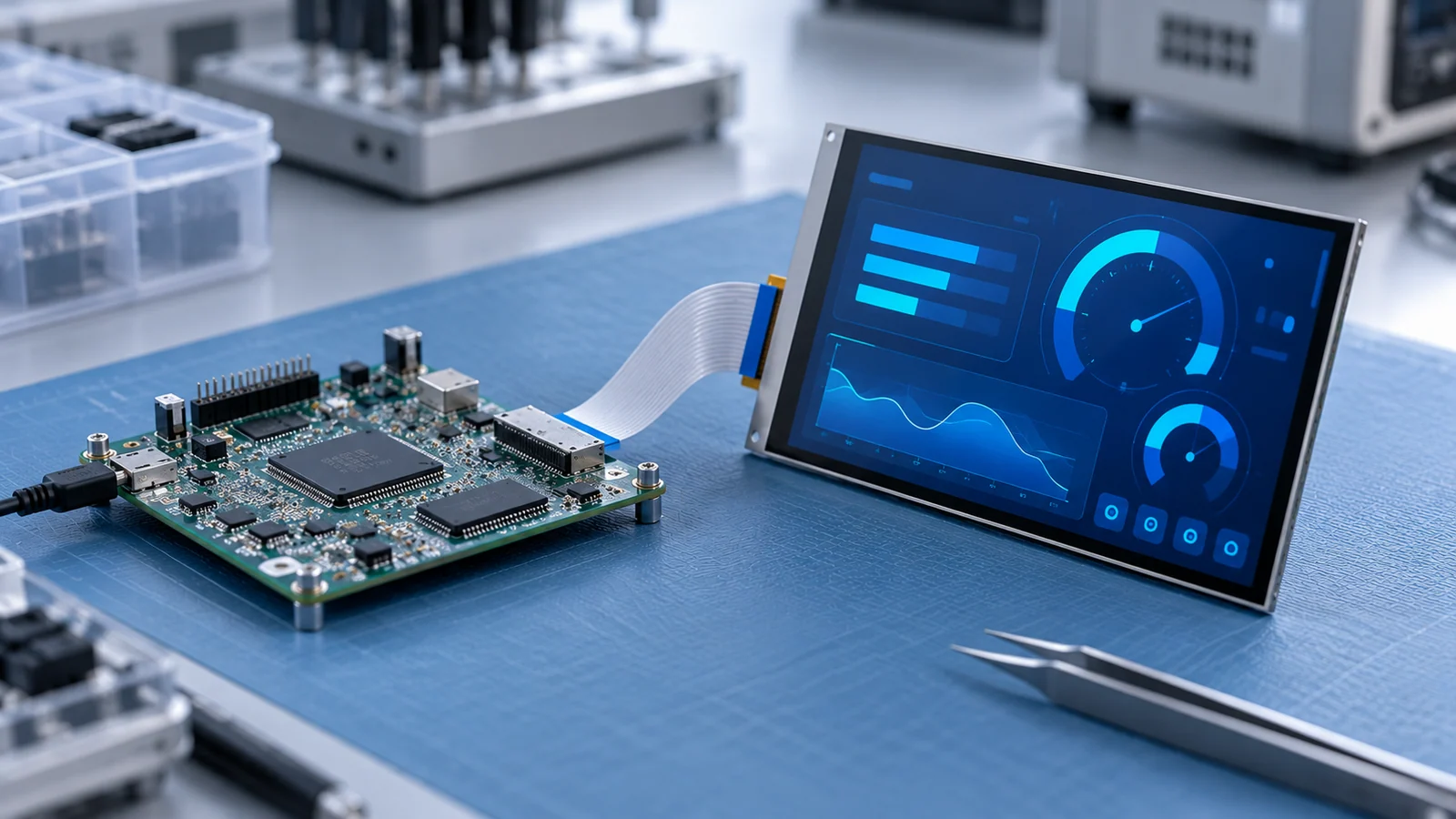
A host that drives a display from its own memory needs a framebuffer: a block of RAM holding the image that the display controller reads and sends to the panel, line after line, many times a second. Sizing it looks like a multiplication. It becomes a design problem when the product moves to a larger screen, a richer user interface or a second layer, and the RAM that was fine for the first prototype runs out.
This guide gives a reusable method for any display size. For size-specific resolution trade-offs, see the 7-inch selection guide and the 10.1-inch selection guide. It does not promise a frame rate for any processor, and the numbers in it are examples to be replaced with your own.
Define the boundary and the pixel format
Start by deciding what the budget covers. A framebuffer is the memory the display controller reads. It is not the total RAM of the product, and it is not the graphics library's render buffer, although in some configurations the two are the same block.
Two formats are involved, and they are independent:
- Storage format. How each pixel is kept in memory, such as 8-bit indexed, 16-bit RGB565, or 32-bit with an alpha channel. This sets the memory size.
- Link format. How the pixel is sent to the panel over the interface, such as 18-bit or 24-bit RGB, MIPI DSI or LVDS. This is set by the panel and the interface; see the interface guide.
The two do not have to match. ST's application note on its LTDC display controller states that the framebuffer bits per pixel need not equal the display's color depth: an RGB888 display can be driven from an RGB565 framebuffer. It also notes that a color look-up table can reduce framebuffer size by storing an index per pixel instead of the full color. Keep both formats in your budget and say which one each number refers to.
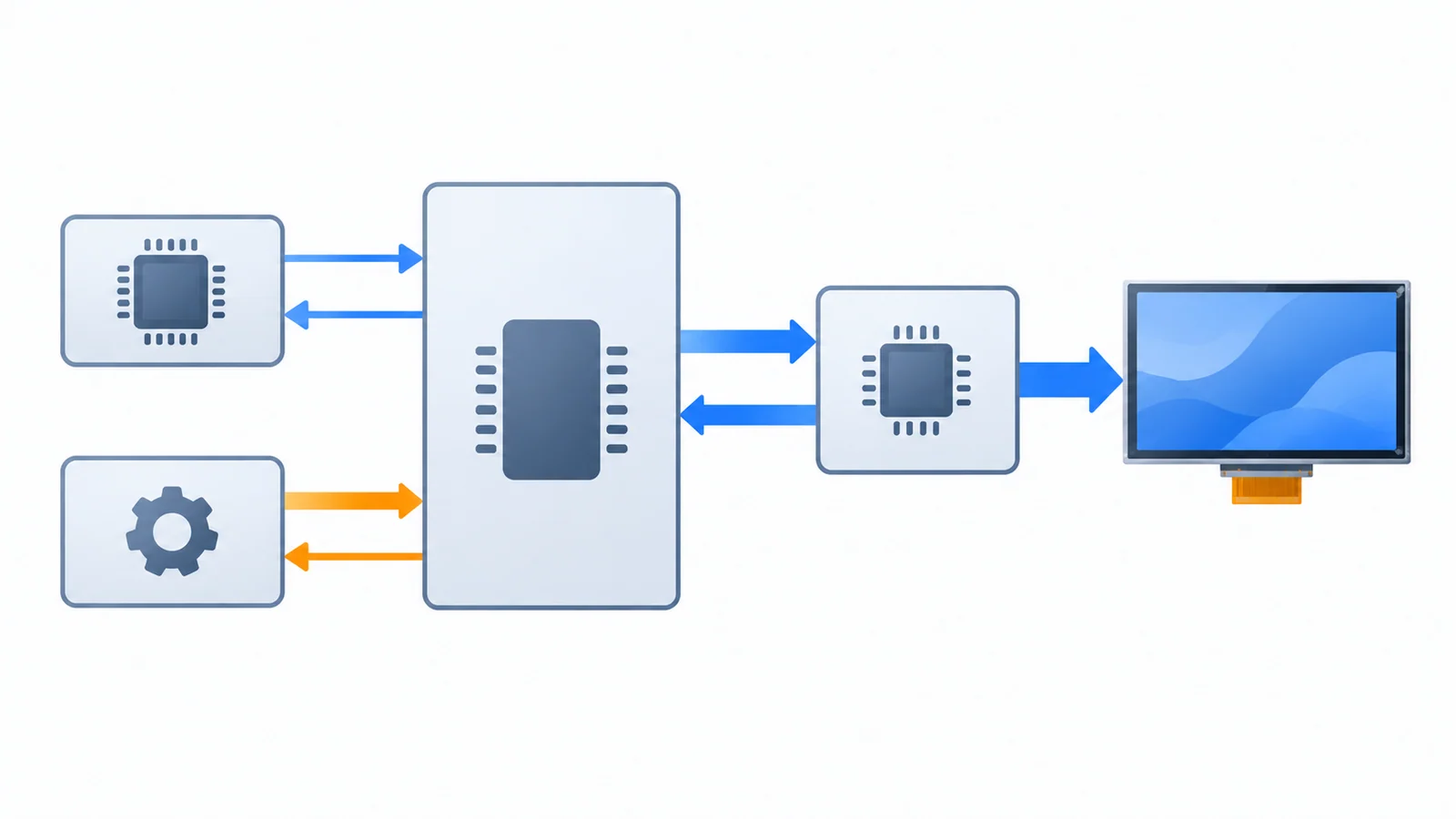
Some display modules with a microcontroller-style interface carry their own graphics RAM inside the driver, so the host may not need a full framebuffer at all. Whether a module has it, and how large it is, depends on the driver, so confirm it against the model-specific datasheet. The bandwidth question then moves from the scan-out read to the writes over the bus.
Calculate stride, height and buffer count
The size follows from three terms:
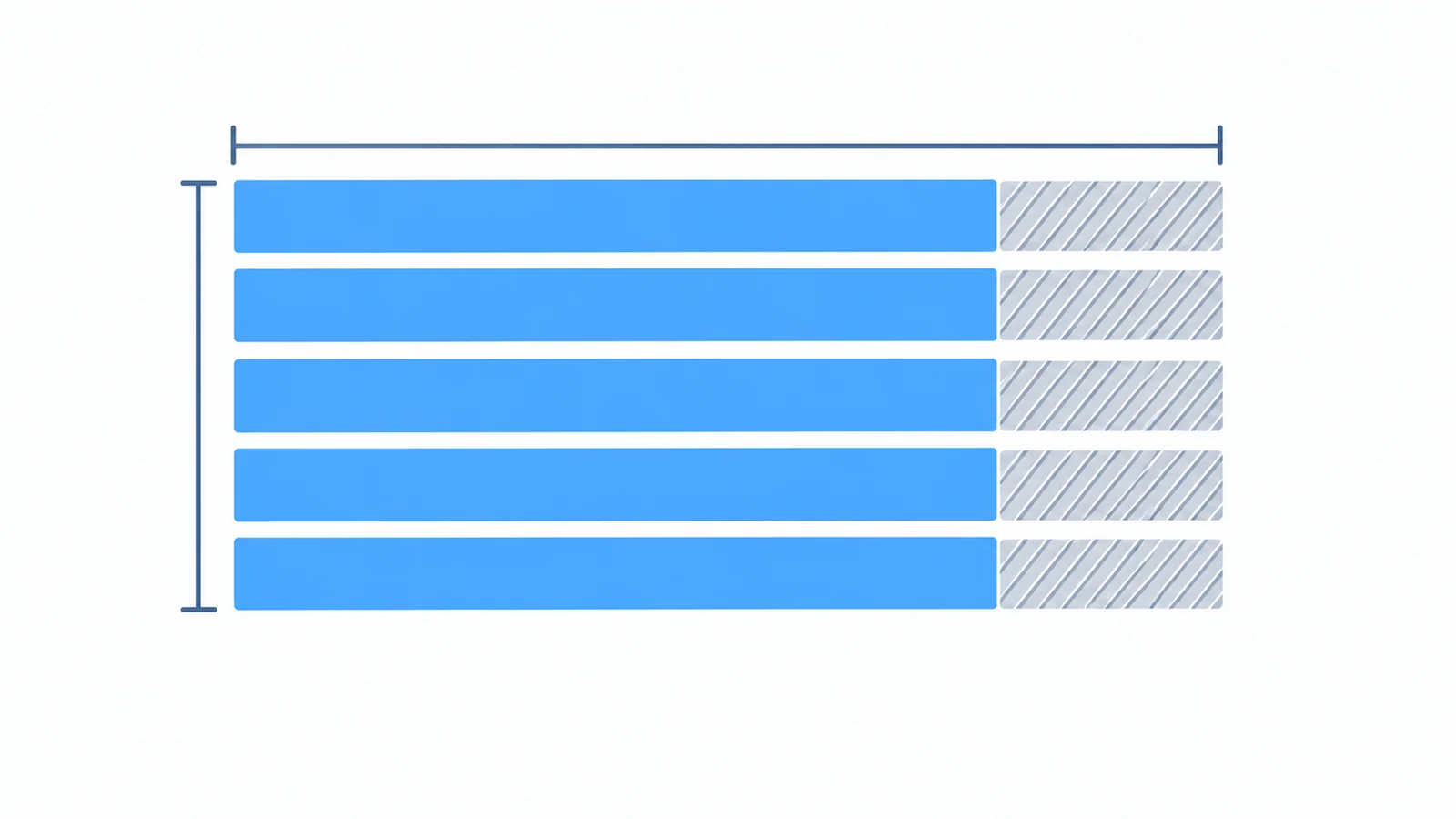
- Stride = the active width in pixels times the bytes per pixel, rounded up to the line alignment the host requires. If there is no alignment requirement, the stride is just width times bytes per pixel.
- Size of one buffer = stride times the number of active lines.
- Total = size of one buffer times the number of buffers.
Use the active resolution here, not the total including blanking. Blanking matters for the pixel clock and bandwidth, which come later.
| Active size | Storage format | Alignment | Stride (bytes) | Buffers | Total |
|---|---|---|---|---|---|
| 800 × 480 | RGB565, 2 bytes | none | 1,600 | 1 | 750 KiB |
| 800 × 480 | RGB565, 2 bytes | none | 1,600 | 2 | 1,500 KiB |
| 800 × 480 | RGB888 packed, 3 bytes | none | 2,400 | 1 | 1,125 KiB |
| 800 × 480 | RGB888 packed, 3 bytes | 64 bytes | 2,432 | 1 | 1,140 KiB |
| 800 × 480 | ARGB8888, 4 bytes | 64 bytes | 3,200 | 1 | 1,500 KiB |
| 1024 × 600 | RGB565, 2 bytes | 64 bytes | 2,048 | 2 | 2,400 KiB |
| 1280 × 800 | RGB565, 2 bytes | 64 bytes | 2,560 | 2 | 4,000 KiB |
| 1280 × 800 | ARGB8888, 4 bytes | 64 bytes | 5,120 | 2 | 8,000 KiB |
Three things stand out. First, the alignment row for 800 × 480 in packed RGB888 shows padding at work: 800 × 3 is 2,400 bytes, which is not a multiple of 64, so each line grows to 2,432 bytes and the total rises by 15 KiB. Second, many hosts store 24-bit colors in 32-bit words, which behaves like the ARGB8888 rows. Third, the buffer count is a multiplier: the same 1280 × 800 display moves from 4,000 KiB to 8,000 KiB when the format goes from 16 to 32 bits per pixel with two buffers.
As a cross-check, ST's application note lists framebuffer sizes without padding: 750 KiB for 800 × 480 at 16 bits per pixel and 1,125 KiB at 24 bits per pixel, which match the unpadded rows above. The same note states that the required framebuffer size is doubled for a double-framebuffer configuration. It also says the memory must be contiguous. Internal SRAM gives the best throughput but is limited in size, and external memory is used when the framebuffer does not fit, with the bandwidth risks that come with it.
Add render buffers, assets, DMA and bandwidth
Render buffers are not always the framebuffer
Graphics libraries often draw into a buffer first and then copy or hand it to the display path. How big that buffer must be depends on the library's render mode. As one documented example, LVGL version 9.2 describes three modes. In partial mode the buffers can be smaller than the display, and its documentation recommends buffers of at least one tenth of the screen. In direct and full modes the buffers must be as large as the display. The version 9.2 documentation also describes overlapping rendering and transfer with two buffers. Confirm custom-stride support and alignment in the exact API version and driver you use. Library versions differ, so read the documentation for the version you use, and treat any value here as an example of the kind of question to answer, not a setting to copy.
Everything else that needs RAM
The framebuffer is one line in a larger list. Count the others before you decide a processor or a memory chip is enough:
- A render or draw buffer, if it is separate from the framebuffer.
- A second layer or overlay, which adds its own buffer and its own scan-out reads.
- Decoded images, icons and animation frames that must sit in RAM to be drawn quickly.
- Font data and glyph caches.
- DMA descriptors, line buffers and any bridge or controller-board buffers.
- Application data, the operating system or scheduler, stacks and heap.
Bandwidth is a second budget
The display controller reads the framebuffer continuously. The pixel clock is the total screen size times the refresh rate, where the total size is the total width times the total height including blanking. For STM32 LTDC, AN4861 budgets maximum required bandwidth as pixel clock times stored bytes per pixel, adding the layer contributions. Separately, active width times active height times refresh times stored bytes per pixel gives an uncompressed active-pixel payload lower bound over time. Neither expression includes all bus transactions, arbitration or rendering work; use the host's documented fetch behavior and test for underruns. ST's application note states that this required bandwidth must not exceed what the memory can supply, otherwise display problems can occur. Its worked limits for one device also show that the maximum sustainable pixel clock falls when other bus traffic, such as a graphics DMA engine, shares the same memory. That traffic comes from the CPU, DMA and other masters at the same time, so leave margin.
| Active size | Assumed total (H × V) | Refresh | Pixel clock | At 2 bytes per pixel | At 4 bytes per pixel |
|---|---|---|---|---|---|
| 800 × 480 | 1,056 × 525 | 60 Hz | 33.3 MHz | 66.5 MB/s | 133.1 MB/s |
| 1280 × 800 | 1,440 × 823 | 60 Hz | 71.1 MHz | 142.2 MB/s | 284.4 MB/s |
These are display-controller budgeting figures, not whole-system measurements. Add the writes from rendering, any image copy by DMA and the read traffic of other bus masters, and compare the sum with the sustainable bandwidth of the memory in your design, not its headline rate. The RGB timing guide explains how the total width, total height and pixel clock are set, and how to read them from a datasheet.
A host budget table to submit for review
The table below turns the method into a sheet that can be copied into a project file. The example values show the arithmetic and are not measurements of any product. Replace them, then send the sheet with your project details.
| Parameter | Formula or source | Example | Your value |
|---|---|---|---|
| Active width and height (px) | Module datasheet | 800 × 480 | |
| Total width and height with blanking (px) | Module timing table | 1,056 × 525 (assumed) | |
| Refresh rate (Hz) | Your requirement | 60 | |
| Storage format, bytes per pixel | Your choice | 2 (RGB565) | |
| Line alignment (bytes) | Host reference manual | 64 (assumed) | |
| Stride (bytes) | Width × bytes per pixel, rounded up to alignment | 1,600 | |
| Buffers | Single, double or partial render | 2 | |
| Framebuffer total | Stride × height × buffers | 1,500 KiB | |
| Extra layers | Same formula per layer | none | |
| Render buffer, if separate | Library documentation | ||
| Images, fonts, DMA and application RAM | Your build map | ||
| LTDC-style service-rate requirement | Total width × total height × refresh × bytes per pixel | 66.5 MB/s | |
| Memory location and sustainable bandwidth | Host and memory datasheets |
Questions to ask the supplier
- What are the active resolution and the full timing table, including total width, total height and the allowed pixel clock range?
- Which interface and which link color depths does the module accept?
- Does the module or its driver contain graphics RAM, and if so, how large is it and how is it written?
- If a controller board or bridge is used, does it have its own frame memory, and does it add latency or a refresh limit?
- Which refresh rates are supported at the chosen pixel clock?
- Are there reference initialization and timing settings for the host you use?
Send these answers with your host part number, RAM configuration, target user interface, refresh requirement and candidate module through a project review, so the memory budget is checked against a real configuration.
Framebuffer memory FAQ
How do I calculate framebuffer size for an LCD?
Multiply the stride in bytes by the number of lines, then by the number of buffers. The stride is at least the active width times the bytes per pixel of the storage format, rounded up if the host display controller needs the line start aligned. For an 800 × 480 display stored as RGB565, a single buffer is 1,600 bytes per line times 480 lines, which is 750 KiB.
What is stride, and why can it be larger than width times bytes per pixel?
Stride is the number of bytes from the start of one line to the start of the next. It can be larger than the visible line because some hosts, memories or DMA engines need each line to start on an aligned address, so a few padding bytes are added to every line. Check the host reference manual for the required alignment.
Does double buffering always need twice the RAM?
Two full framebuffers need twice the memory of one. Some graphics libraries can instead render into smaller partial buffers and send finished areas to the display, which changes the budget. Check which render mode your library and display path use, because the answer depends on both.
Is the framebuffer the same as the RAM a display needs?
No. The framebuffer is only the memory the display controller reads. The product may also need render buffers, a second layer, decoded images, font caches, DMA descriptors and application data, and the memory must also supply enough bandwidth for scan-out alongside the CPU and DMA traffic.
Technical references
- STMicroelectronics — AN4861, LCD-TFT display controller (LTDC) on STM32 MCUs: framebuffer size formula, example sizes, double buffering, memory placement and scan-out bandwidth.
- LVGL 9.2 — Display interface: render modes and buffer count, as one version-specific graphics-library example. Read the version you use.
Continue from the host budget to a module review
Use the 7-inch LVDS model comparison or 10.1-inch LCD and bonded-PCAP comparison to identify a candidate, then obtain its approved timing and connection documents. A RAM calculation does not approve a host/module combination.
Account for the host and memory load in the battery-side power budget, and preserve the tested host, driver and memory configuration in the revision-control record.
Send Us Your Host and Display Requirements
Share the host part number, the RAM and external memory configuration, the target user interface, the refresh requirement and the candidate module. TFTWorks can review the published display information against that configuration.
Request a Project Review See test and measurement displays
Send supporting files with the same project reference
The web form does not upload attachments. Email drawings, configuration records or measurements, or use WhatsApp. Include the same model and project reference as your enquiry.
Publisher and scope. Published by TFTWorks, operated by Guangdong Dexing Microelectronics Co., Ltd. The tables use example values and make no claim about the memory, frame rate or compatibility of any host. The referenced notes describe one processor family and one graphics library, so confirm alignment, bandwidth and buffer rules in your own host documentation and against the current model-specific datasheet.