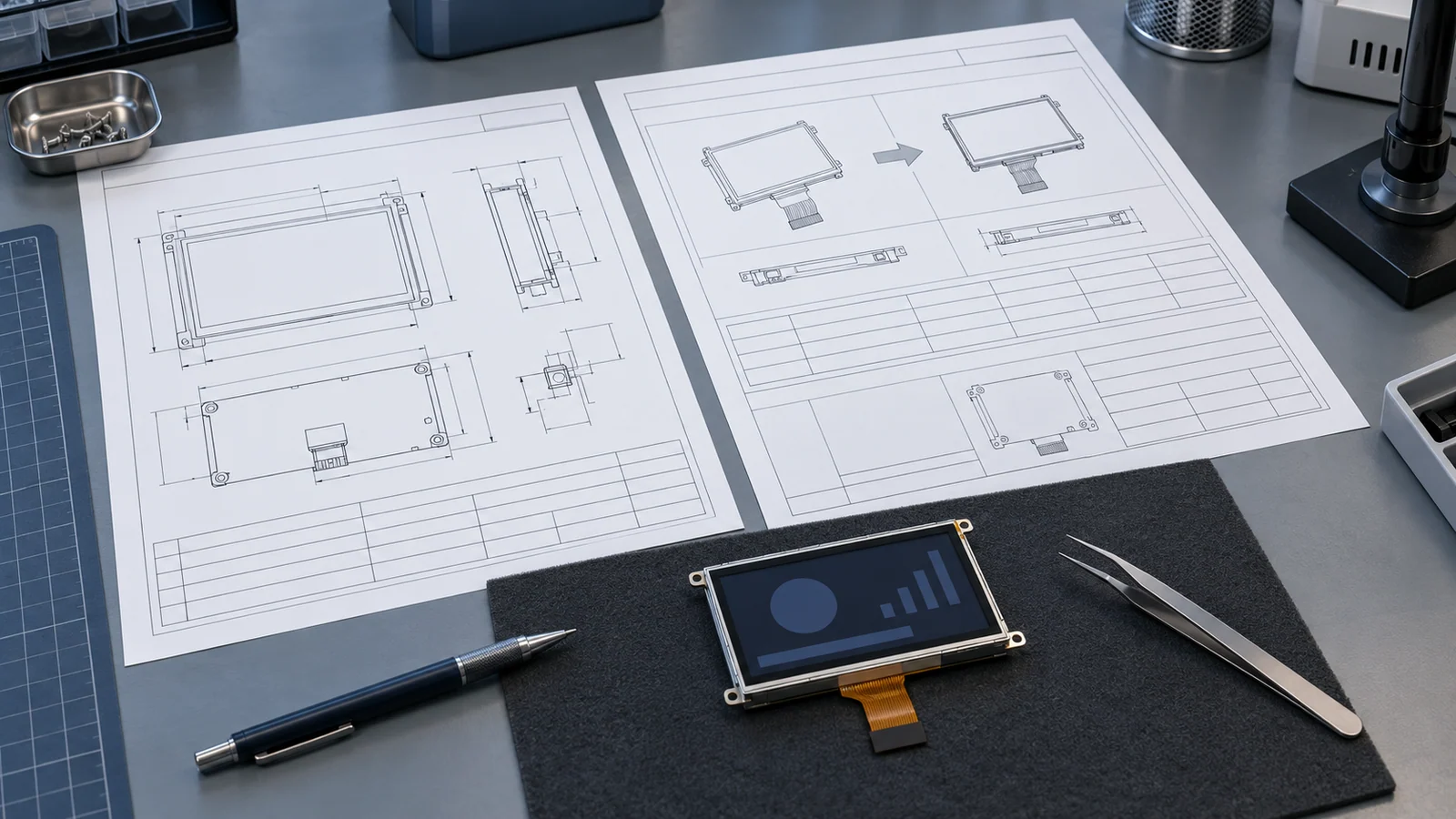
Most display projects spend their effort on the first approval and almost none on what happens afterward. Yet a module can change after approval for many reasons: a component is replaced, a process moves, a connector is revised or a document is reissued. If the only record of the approved unit is a part number in a spreadsheet, there is nothing to compare the notice against.
This guide is about the period after approval. For the first approval, read the sample validation checklist. For a part that is ending its life and needs a successor, read the obsolete LCD replacement guide. It does not describe any particular supplier's notification arrangement, and it does not replace a supply or quality agreement.
Freeze the approved identity
A model name alone does not identify what you tested. Two units can share a model name and differ in drawing revision, initialization settings or front-stack configuration. The record below is meant to be written once, at approval, and attached to the project file.
| Item | What to record | Why a change here matters |
|---|---|---|
| Model and full suffix | Exactly as printed on the approved drawing and on the unit label | The suffix may encode a variant such as touch, brightness or connector. Ask the supplier what each part of it means. |
| Datasheet and drawing revisions | Revision letter or number and the date of each controlled document | A reissued drawing can change a dimension, a tolerance or a pin note without a visible change to the unit. |
| Interface and pinout | Interface type, connector or FPC part, full pin assignment | Pin count is not pinout. Two modules with the same connector can assign signals differently. |
| Initialization and timing | Register settings, timing values, power-up and power-down sequence, any controller-board configuration | A different driver revision can need a different sequence even when the interface looks identical. |
| Backlight | LED configuration, driver location, dimming input, current or power at the working point | Brightness, power, dimming behavior and lifetime assumptions all depend on it. |
| Touch | Sensor type, controller, interface and firmware or configuration version | The touch link is separate from the display link and can change on its own. |
| Front stack | Cover glass, adhesive or bonding, assembly height | A bare module and a cover-glass assembly are different configurations with different documents. |
| Labeling and packaging | Label format, date-code position, tray or carton format | Incoming inspection and traceability depend on recognizing the unit. |
| Reference units | Quantity, lot or date code and storage location of retained samples | A traceable retained unit provides a physical comparison baseline alongside the controlled records. |
The datasheet reading guide explains where revision information normally sits. If the controlled documents you have do not list a revision, ask for the current versions before you freeze the record, using the datasheet request.
Map the change to form, fit and function
When a notice arrives, the first question is what kind of change it is. A common way to sort changes is form, fit and function: form covers physical shape and dimensions, fit covers how the part interfaces with the assembly around it, and function covers electrical, optical and mechanical performance. J-STD-046A, titled Customer Notification Standard for Product/Process Changes by Electronic Product Suppliers, is a published reference in this area; IPC's official standards update identifies its scope. It is written for electronic product suppliers in general, so whether a display-module supplier follows it is something to confirm in your agreement, not to assume.
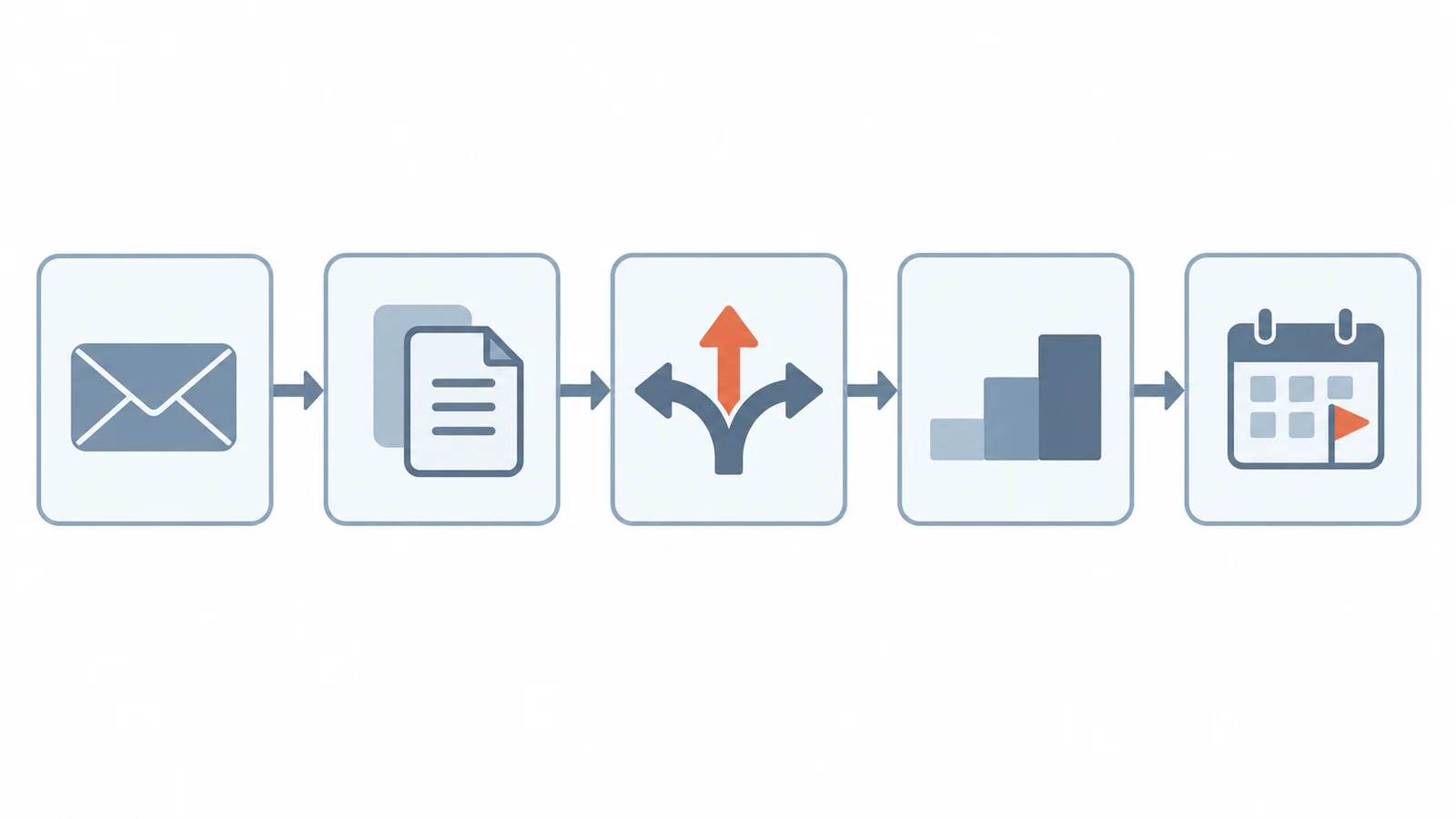
| Possible change | Mainly | What to recheck |
|---|---|---|
| Panel or cell revision | Function | Optical readings, viewing behavior, response, color and the image-quality check on your real content |
| Driver IC revision | Function, possibly fit | Initialization sequence, timing margin on your host, power-up behavior, EMC |
| Backlight LED or driver change | Function | Brightness, current and power, dimming behavior, heat; see the dimming guide |
| FPC or connector revision | Form and fit | Mating, bend path and strain relief, enclosure clearance, full pinout; see the FPC guide |
| Cover glass, adhesive or bonding change | Form, fit and function | Stack height, optical appearance, reliability under your environment; see the optical bonding guide |
| Touch controller or firmware change | Function | Interface, calibration, noise behavior and touch response in the real enclosure |
| Label or packaging change | Administrative | Incoming inspection rules, traceability and how new units are recognized |
| Manufacturing site or process change | Quality and reliability | Supplier evidence for the change and an incoming check on the first lots |
Decide the recheck scope and owner
Not every change needs a full requalification, and demanding one every time makes the process too slow to use. Match the check to what changed. The following three-tier planning aid is an editorial way to organize the review. It is not taken from, or presented as, a mandatory standards procedure. The tiers below are a way to organize the work, not a standard.
| Tier | Typical trigger | Typical recheck | Who decides |
|---|---|---|---|
| 1. Document review | Label, packaging or document-only change | Compare documents with the approved record, update incoming inspection and the file | Quality or purchasing |
| 2. Bench delta check | Small electrical, optical or mechanical change within the interface | Fit and pinout check, power-up with your host, initialization, optical spot check, current and temperature spot check | Hardware engineer with quality |
| 3. Product-level requalification | Change to the panel, backlight, touch or front stack | Repeat the affected parts of your sample validation: optical, electrical, EMC, environmental, touch and mechanical | Project lead, with design and quality sign-off |
Every check needs one named owner and one piece of evidence. "Hardware will look at it" is not an owner, and "looked fine" is not evidence. Write the owner, the test, the sample size and the pass criterion before the new units arrive, so the result is not judged after the fact.
Record approval, cutover and legacy stock
The review is not finished when the checks pass. The change still has to be introduced without mixing versions by accident. Settle these points in writing:
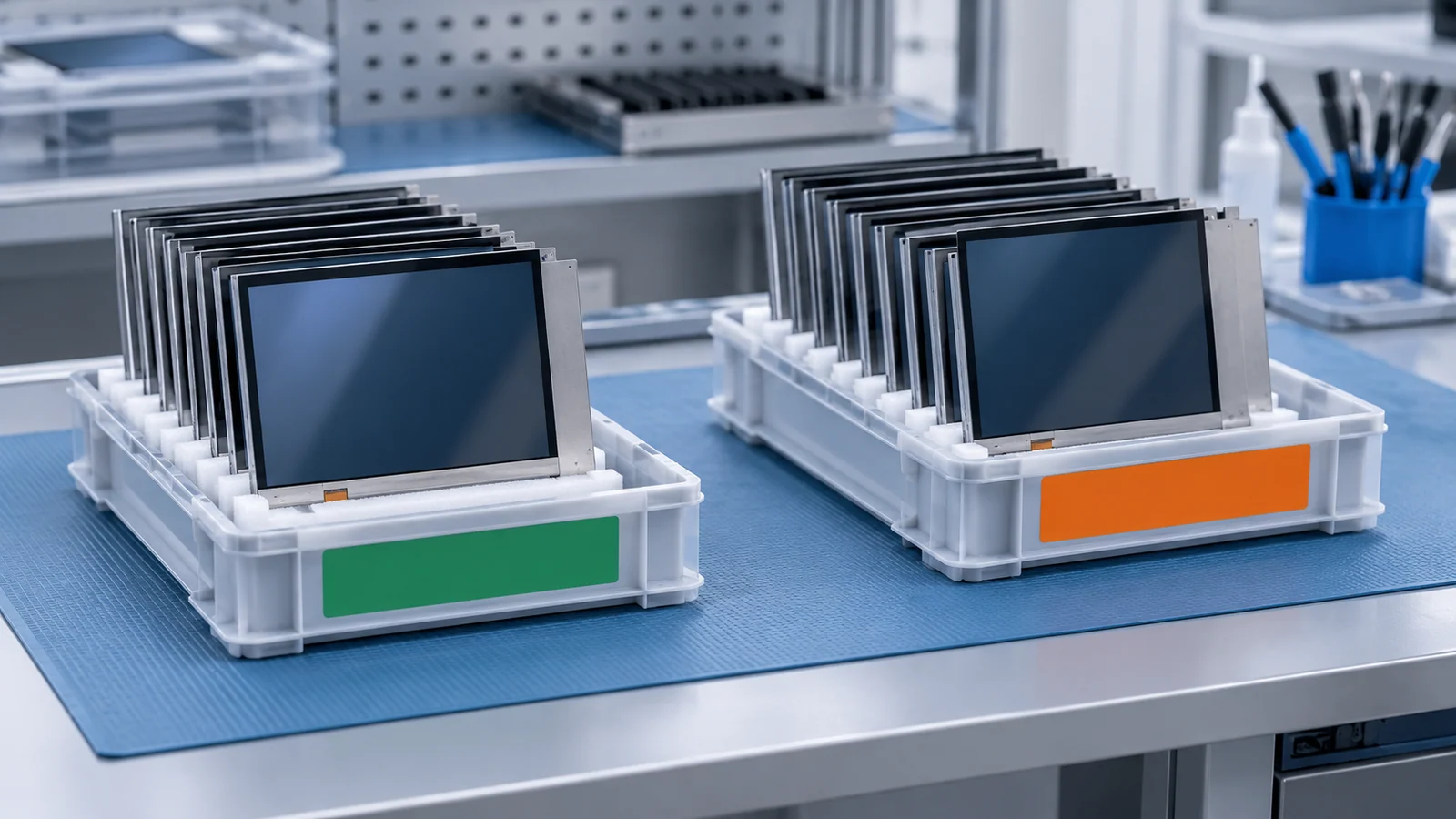
- How new units are recognized. A revision mark, a date-code range, a label change or a lot number. If the units look identical, say how the receiving team will tell them apart.
- The cutover point. The first lot or date code of the changed version, and whether old and new may arrive in the same shipment.
- Open orders. Which orders will ship the old version and which the new one.
- Remaining approved stock. Whether it will be used up, held for service, returned or scrapped.
- Software and test branches. Whether the initialization settings, calibration files or test fixtures now need a version per revision.
- Fielded units. Whether a replacement display must match the version already in the field.
- The file. Update the BOM, the approved drawing set, the incoming inspection rules and the retained reference units.
Keep one more distinction in mind. A change notice means the product stays in supply with a difference. A discontinuation notice means supply will end. They call for different work, and the second one belongs in the obsolete replacement review.
A blank PCN impact matrix
| Item | Approved (before) | Per notice (after) | Form / fit / function | Affects host or enclosure? | Recheck needed | Owner | Evidence and date |
|---|---|---|---|---|---|---|---|
| Model and suffix | |||||||
| Datasheet and drawing revision | |||||||
| Interface and pinout | |||||||
| Initialization and timing | |||||||
| Backlight | |||||||
| Touch | |||||||
| Front stack | |||||||
| Label and packaging | |||||||
| Cutover lot or date code | |||||||
| Legacy stock decision |
Add a final line for the decision itself: approve, approve with conditions or reject, with the reason and the date. A rejection with documented reasons is a normal outcome of a good review, not a failure of the process.
Questions to settle before a change happens
The best time to discuss change control is before the first order. Raise these points with any display supplier, in writing:
- How are change notices issued, and to which contact on my side?
- Which kinds of change are notified: panel, backlight, FPC or connector, cover glass, touch, firmware, packaging or manufacturing site?
- Which documents carry a revision, and is the revision visible on the label or the unit?
- How will the first shipment of a changed version be identified?
- Will samples of the changed version be available before cutover, and on what terms?
- Can the approved version be held or bought ahead of a cutover, and for how long?
- Who responds to my questions during a change review, and how quickly?
PCN and revision control FAQ
What is a PCN for an LCD module?
A PCN, or product change notification, is a supplier's notice that something about a product or its process will change. For a display module the change could touch the panel, driver, backlight, FPC, cover glass, touch sensor, firmware, packaging or manufacturing site. The notice is only useful if you can compare it with a written record of exactly what you approved.
What is the difference between a PCN and a PDN?
A PCN announces a change to a product that stays in supply, so it calls for re-evaluation. A PDN, or product discontinuation notice, announces that supply will end, so it calls for supply planning and a replacement review. The obsolete LCD replacement guide covers the second case.
If the supplier says form, fit and function are unchanged, do I still need to retest?
You do not necessarily need a full retest, but you should check the statement against your own product. A change that stays inside datasheet tolerances can still affect your host's timing margin, initialization sequence, EMC, enclosure fit or the way the screen looks. Scale the recheck to the item that changed and to the risk in your application.
What should I keep on file for an approved display?
Keep the full model and suffix, the datasheet and drawing revisions with dates, the initialization settings or firmware, the backlight, touch and cover-glass configuration, retained sample units with their lot or date code, the test records and every later change approval with its cutover lot.
Technical references
- IPC — January 2026 standards update: public scope information for J-STD-046A and the separate J-STD-048A discontinuance-notification standard. This is not a claim that a supplier follows either standard.
- Texas Instruments — Change notification FAQ: one semiconductor manufacturer's published approach to changes affecting form, fit, function, quality or reliability. It does not describe TFTWorks terms.
Recheck the configuration that was actually approved
For a changed LVDS path, compare the 7-inch connection record; for a changed front stack, use the 10.1-inch bonded-component review. These are evidence requirements, not approval records for your project.
A resolution, storage-format or host change can require a new framebuffer budget. A backlight, touch or firmware change can require a new power and runtime review. Retain actual sample findings in the blank sample-validation worksheet, clearly separated from the approval decision.
Send Us the Change and the Approved Configuration
Share the originally approved model and suffix, the document revisions you hold, the description of the change and the host or enclosure conditions it could affect. TFTWorks can review the published information against that configuration.
Request a Project Review See the quality documentation scope
Send supporting files with the same project reference
The web form does not upload attachments. Email drawings, configuration records or measurements, or use WhatsApp. Include the same model and project reference as your enquiry.
Publisher and scope. Published by TFTWorks, operated by Guangdong Dexing Microelectronics Co., Ltd. This guide offers a general method for reviewing changes to an approved display. It describes no TFTWorks notification period, supply commitment or past change, and its blank template is not a record of any real change. Confirm the change-control terms for your model in the model-specific documents and in your supply or quality agreement.