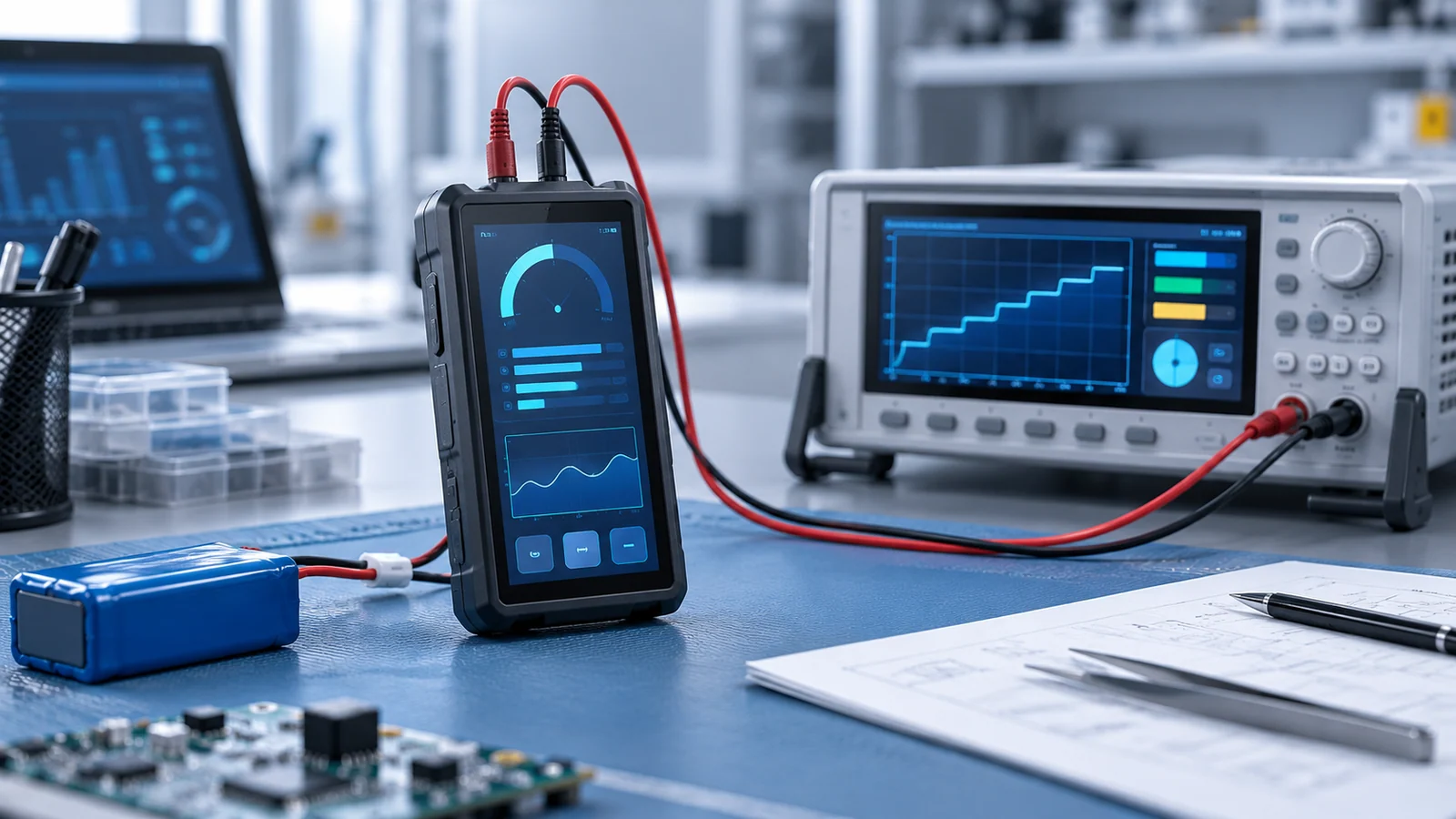
Battery runtime estimates go wrong in two familiar ways. One is adding up the maximum power figures on several datasheets and getting a number nobody will ever see in use. The other is taking one measurement at full brightness and extrapolating it to a whole shift. Both skip the question that matters: how long does the instrument spend in each mode, and what does the battery supply in that mode?
This guide covers the electrical budget and the usage-mode weighting. How the backlight is dimmed is covered in the backlight dimming guide, and heat and lifetime in the thermal trade-offs guide. It does not give runtime figures for any specific module.
Draw the boundary and use power
Choose the battery terminals as the measurement boundary and keep it fixed. Include the protection circuit and all downstream converters and loads. If you measure after the protection circuit instead, label that different boundary and account for the excluded loss separately. That makes the result comparable with what a user experiences, and it makes double counting easy to spot.
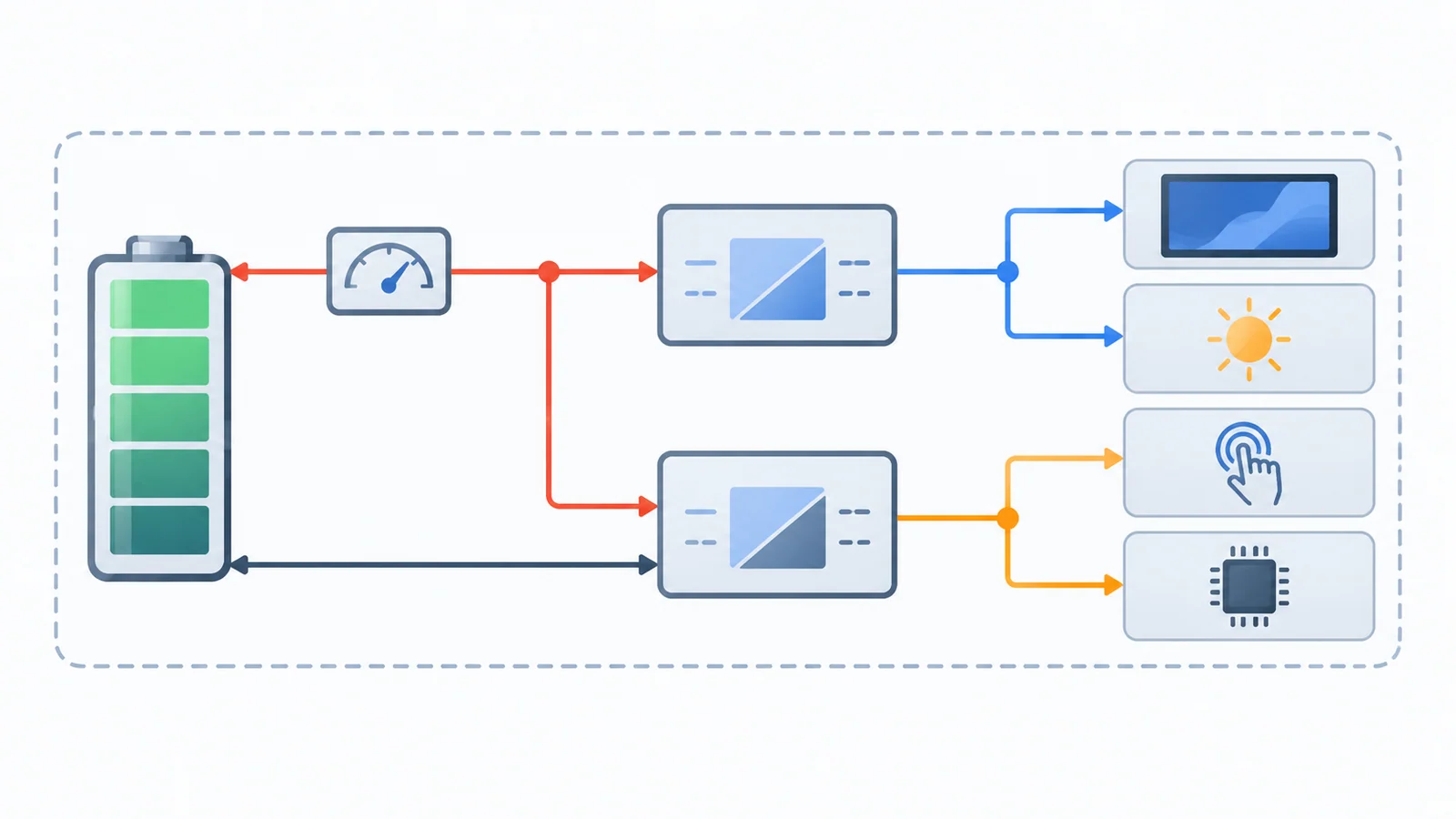
Work in watts. A converter delivers roughly constant power to its load while the battery voltage falls during discharge, so the current drawn from the battery rises as the voltage drops. A figure in milliamps is meaningful only together with the voltage at which it was taken. Power at the battery side is the figure that can be multiplied by time to give energy.
| Load | Where it usually sits | What to ask for |
|---|---|---|
| LCD logic and driver | Logic rail of the display module | Supply voltage and current at the working resolution and refresh rate, and in any sleep state |
| Backlight LEDs and driver | Module, controller board or host board | String voltage, current and power at the working and the lowest brightness, driver location and efficiency |
| Touch controller | Module, sensor or host board | Active and idle current, and the wake method |
| Host processor and memory | Host board | Power per mode, including how it changes while it draws the screen |
| Display bridge or controller board | Between host and module | Power with and without the display connected, and in standby |
| Conversion between battery and rails | Host board | Efficiency at each load actually used, not only the peak |
The datasheet reading guide shows where the backlight figures normally sit. If a published summary does not list them, request the current datasheet before you size the battery.
Budget each rail without double counting
Every load has a power at its own rail. The battery supplies that power divided by the efficiency of whatever converter feeds the rail. Choose one convention per rail and apply it once:
- Load-side figure. Use the power the load draws at its rail, then divide by converter efficiency to get battery-side power.
- Battery-side figure. Use a measurement taken at the battery with that rail active, and do not divide again.
Mixing the two is the usual source of double counting. Do not apply the same converter loss twice. A module input-power figure may already include its onboard backlight driver, so do not apply that driver efficiency again. If another converter sits upstream between that input and the battery, its loss still belongs in the battery-side budget. For cascaded stages, trace the path and apply each distinct stage once at its actual load.
Efficiency depends on load
Converter efficiency is not a constant. As one example, Texas Instruments' product page for the TPS61099 boost converter states up to 93% efficiency across a 10 mA to 300 mA load range, and up to 75% at a 10 µA load for fixed-output versions. That part is cited only to show the shape of the issue: the same converter can behave very differently at heavy and at very light load. Your own driver will have its own curve, so take the efficiency at the load you actually run in each mode.
This matters most for the backlight. At working brightness the driver may sit in a good region, while at a dimmed level the same driver runs at lighter load and may be less efficient. A budget that uses one efficiency for both modes will be off in the dimmed state.
Weight by real usage modes
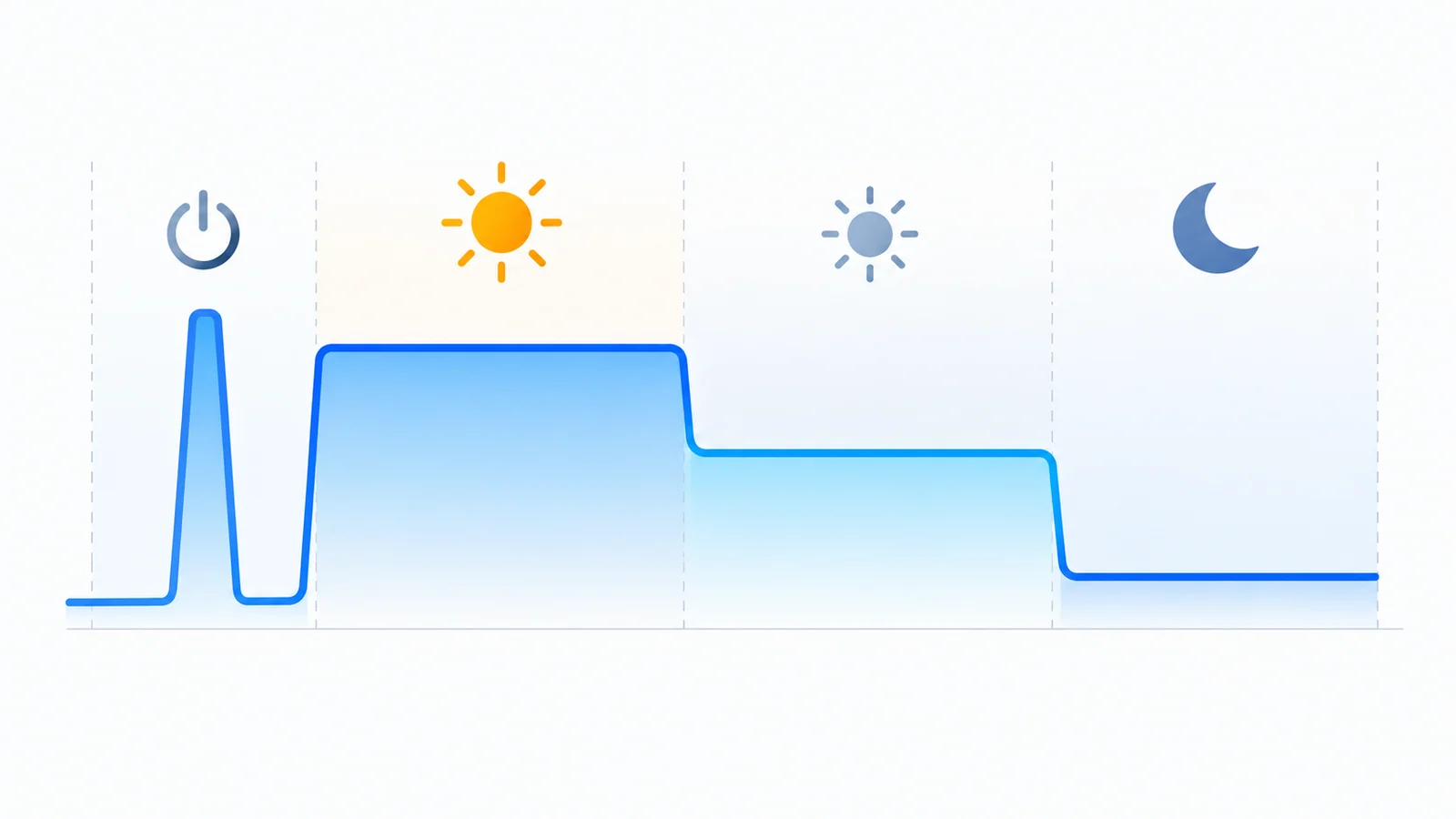
An instrument does not run at one operating point. Define the modes it actually uses and give each its own battery-side power and its own share of time:
- Boot. A short event with its own power, counted as energy per event.
- Screen on at working brightness. The mode the datasheet usually describes.
- Screen dimmed. A lower brightness, with the same logic, touch and host loads.
- Standby. Screen off, host sleeping, with whatever wake path stays powered.
The time shares should come from how the product is used: field notes, usage logs from a prototype or a stated duty cycle, not from a guess that sounds reasonable. If you do not have them yet, say so in the table and revisit when you do. The blank table below is meant to be copied into your own project file.
| Mode | Battery-side power (W) | Measured or assumed | Share of time (%) | Energy per event (Wh) | Source of the figure |
|---|---|---|---|---|---|
| Boot (per event) | |||||
| Screen on, working brightness | |||||
| Screen dimmed | |||||
| Standby, screen off | |||||
| Other (for example, charging while in use) |
Average power is the sum of each mode's power multiplied by its share of time. Runtime is the usable battery energy, minus the energy of any boot events, divided by that average power. Nominal battery energy is approximately nominal voltage times capacity in amp-hours; usable energy is established from the discharge curve or the integral of measured power over the specified discharge test. The usable part is smaller: it depends on the cut-off voltage, temperature, ageing and discharge rate, so take it from the cell's discharge data at your load and temperature, not from the label alone.
A worked example with assumed numbers
Assume a single-cell pack with a 3.7 V nominal voltage and 2.0 Ah capacity, which is 7.4 Wh nominal. Assume 80% of that is usable, which is 5.92 Wh. Assume a boost-type backlight driver that is 85% efficient at working brightness and 75% when dimmed, and suitable regulated converters that are 90% efficient for the logic, touch and host rails. Their topology and output voltages must be selected for the actual battery range; no particular buck arrangement is implied.
| Load | Load-side power (W) | Converter efficiency | Bright, battery side (W) | Dimmed, battery side (W) |
|---|---|---|---|---|
| Backlight LEDs, working brightness | 1.50 | 85% | 1.76 | — |
| Backlight LEDs, dimmed | 0.45 | 75% | — | 0.60 |
| LCD logic | 0.12 | 90% | 0.13 | 0.13 |
| Touch controller | 0.03 | 90% | 0.03 | 0.03 |
| Host and memory | 0.50 | 90% | 0.56 | 0.56 |
| Total | 2.49 | 1.32 |
Assume standby, with the screen off and the host asleep, draws 0.07 W at the battery side, and a boot event draws 2.2 W for 20 seconds. Now weight the modes by an assumed use pattern:
| Mode | Battery-side power (W) | Share of time | Contribution (W) |
|---|---|---|---|
| Screen on, working brightness | 2.49 | 25% | 0.62 |
| Screen dimmed | 1.32 | 35% | 0.46 |
| Standby, screen off | 0.07 | 40% | 0.03 |
| Average | 1.11 |
With two boot events per charge, boot energy is 2 × 2.2 W × 20 s, about 0.024 Wh. The non-boot modes use time shares totaling 100%, excluding those boot events. The estimated time in those modes is (5.92 Wh − 0.024 Wh) ÷ 1.11 W, or roughly 5.3 hours; the two boot durations add about 0.011 hours to elapsed time.
Which assumption moves the answer
Change one assumption at a time to see what the result is sensitive to:
| Change from the baseline | Average power (W) | Estimated runtime (h) |
|---|---|---|
| Baseline | 1.11 | 5.3 |
| Time shares of 45% bright, 15% dimmed, 40% standby | 1.35 | 4.4 |
| Usable capacity of 70% instead of 80% | 1.11 | 4.6 |
| Dimmed-mode driver efficiency of 65% instead of 75% | 1.14 | 5.1 |
| Ten boot events instead of two | 1.11 | 5.2 |
In this example the use pattern and the usable battery capacity matter far more than the converter efficiency at the dimmed level or the number of boots. That ordering is a property of these assumed numbers, not a general rule. With a different instrument it could reverse, which is exactly why the table is worth building for your own product.
Correct the estimate with measurements
The estimate is a plan. Turn it into a result in this order:
- Measure each mode at the battery terminals with a power analyzer or source meter, on the real sample, using the real host software and the real content on screen.
- Measure at the brightness levels users will use, including the lowest. Do not scale from one point.
- Repeat at the temperature extremes you support. Efficiency, battery capacity and backlight behavior all change with temperature; see the wide-temperature selection guide.
- Run a real discharge test with the planned use pattern and compare it with the estimate. Record where the two differ.
- Mark every figure in the table as measured or assumed and update the column as assumptions are replaced.
Instruments in the field are often used differently from the lab plan. For equipment such as handheld meters and analyzers, see the test and measurement display guide and the test and measurement application page, and capture the real duty cycle as early as you can.
Questions to ask the supplier
- What are the logic supply voltage and current at my resolution and refresh rate, and are the values typical or maximum?
- What are the backlight string voltage, current and power at the working and the lowest brightness, under what measurement condition?
- Where is the backlight driver, and what is its efficiency at those operating points?
- What power does the touch controller draw when idle and when active, and how does it wake?
- Does the module have a sleep or standby state, and what is the power and wake-up time in it?
- Does the power figure include a controller board or bridge, or only the bare module?
- Is the backlight power quoted for a bare module or for a cover-glass assembly, and at what brightness?
- What is the required power-up and power-down sequence?
Send the answers together with your battery, supply rails, brightness targets and duty cycle through a project review, so that the power review is done against your configuration and not against a datasheet headline.
Power budget FAQ
How do I estimate the battery runtime of a TFT LCD instrument?
Draw the budget at the battery terminals, list every load by rail, divide each rail load by the converter efficiency at that load, and weight each usage mode by the time it really lasts. Divide the usable battery energy in watt-hours by the average power. Then replace assumptions with measurements on a real sample.
Should I budget in milliamps or in milliwatts?
Use power measured at the battery side. A converter delivers roughly constant power to its load while the battery voltage falls during discharge, so the battery current rises as the voltage drops. A figure in milliamps is only meaningful together with the voltage at which it was measured.
Does halving the backlight brightness halve the display power?
Not necessarily. LED power falls as brightness falls, but converter efficiency changes at lighter load, and the LCD logic, touch controller and host do not scale with brightness. Measure the whole battery-side power at each brightness level you plan to use.
How much of an instrument's battery does the display use?
There is no fixed share. In many transmissive LCD designs the backlight is the largest display-side load at working brightness, but the answer depends on screen size, brightness, host and how long the screen stays on. Measure it per mode on your own sample.
Technical references
- Texas Instruments — TPS61099 boost converter product page: an example of efficiency stated against load range, including light-load behavior.
Connect the budget to a portable-instrument shortlist
The handheld-device display review connects battery, enclosure, readability and input requirements. Request electrical values for the exact module and assembly, not an assumed wattage based on size or nits.
Use the framebuffer memory guide when budgeting host RAM and display traffic. If a backlight, driver or firmware changes, follow the PCN and revision review and repeat the affected power measurements.
Send Us Your Power Constraints
Share the battery chemistry and capacity, the supply rails available, the brightness you need, how long the screen stays on, your sleep strategy and the candidate module model. TFTWorks can review the published information against that configuration.
Request a Project Review See test and measurement displays
Send supporting files with the same project reference
The web form does not upload attachments. Email drawings, configuration records or measurements, or use WhatsApp. Include the same model and project reference as your enquiry.
Publisher and scope. Published by TFTWorks, operated by Guangdong Dexing Microelectronics Co., Ltd. The worked example uses assumed values and makes no claim about the power or battery life of any TFTWorks module. The referenced converter is cited only to illustrate that efficiency depends on load. Confirm electrical and LED data against the current model-specific datasheet and measure your own samples.